Add a Mass History for a Session
| Privileges | Description |
| Administrative User | A user will need administrative access to TEDS. This is defined on the Login tab of the individual's person details. |
| Manage Session | The Manage Session privilege is a organizational hierarchy privilege that is assigned in TEDS Online Administrator. This privilege grants an individual access to manage Sessions in the Session Catalog. |
|
Instructions |
|
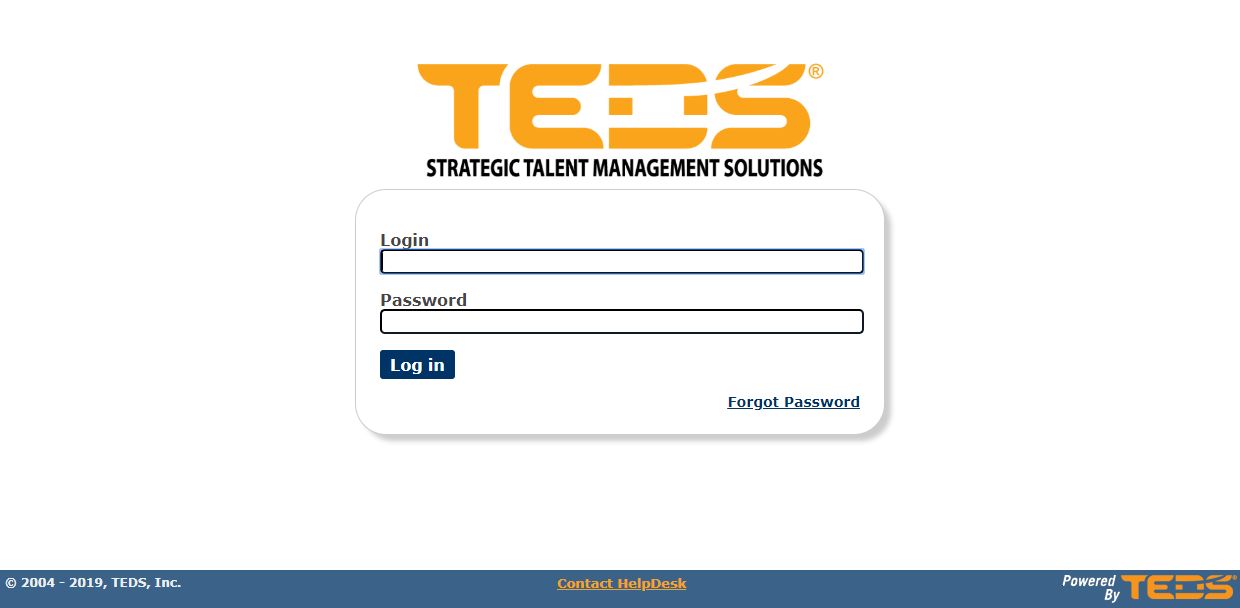
| Log in to TEDS Online Administrator. |
|
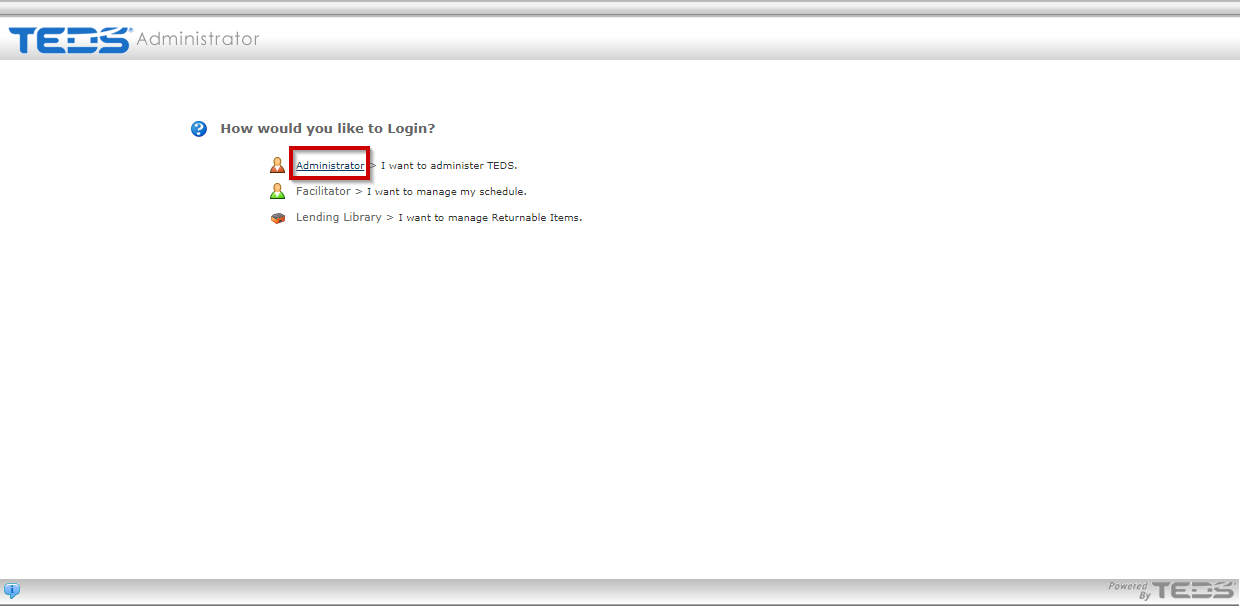
| Access the Administrator option. |
|
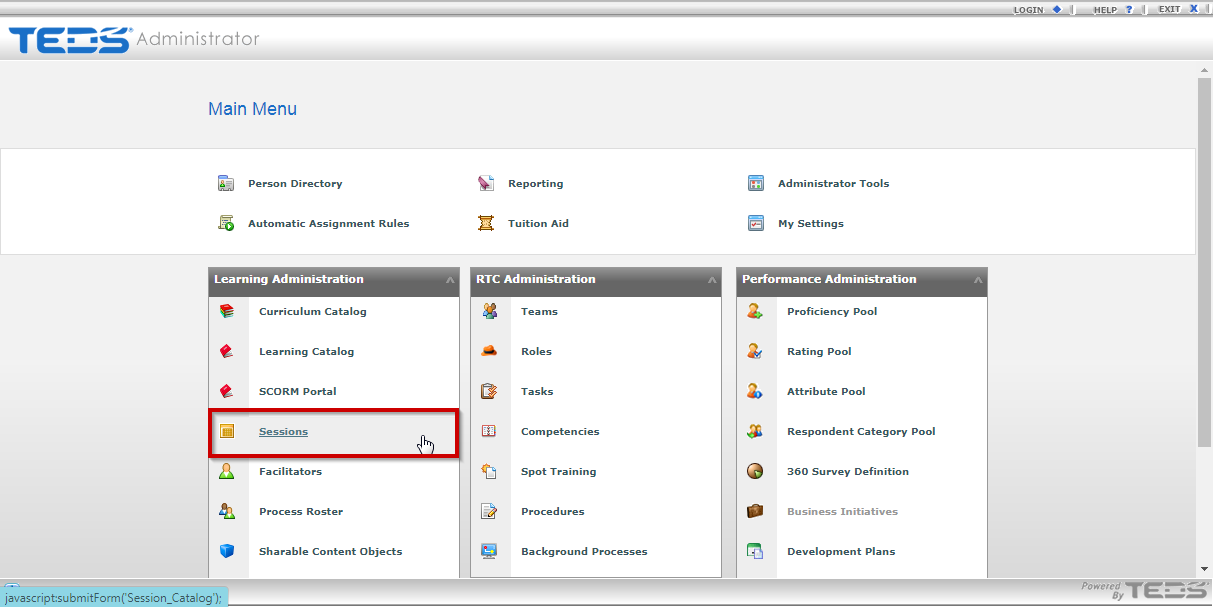
| Select the Session Catalog option. |
|
|
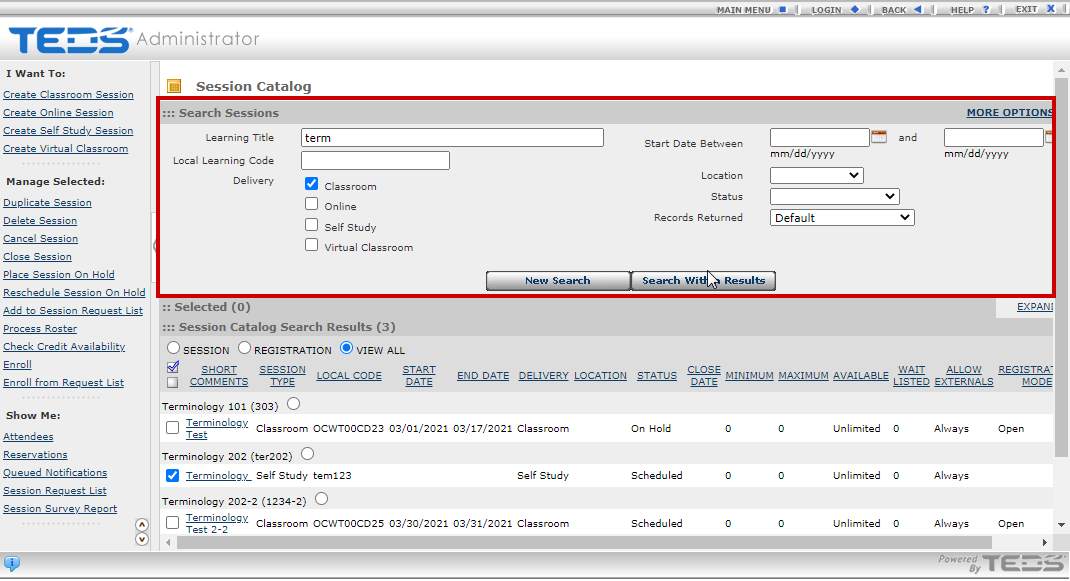
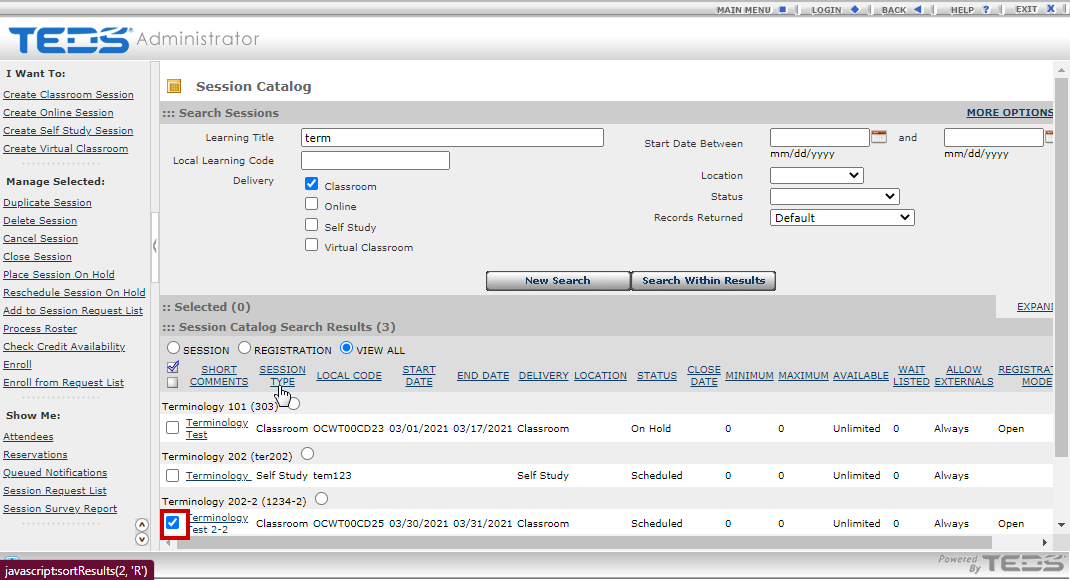
Search for the Learning the session that you wish to add a mass history for an individual. |
|
| Select the desired session. |
|
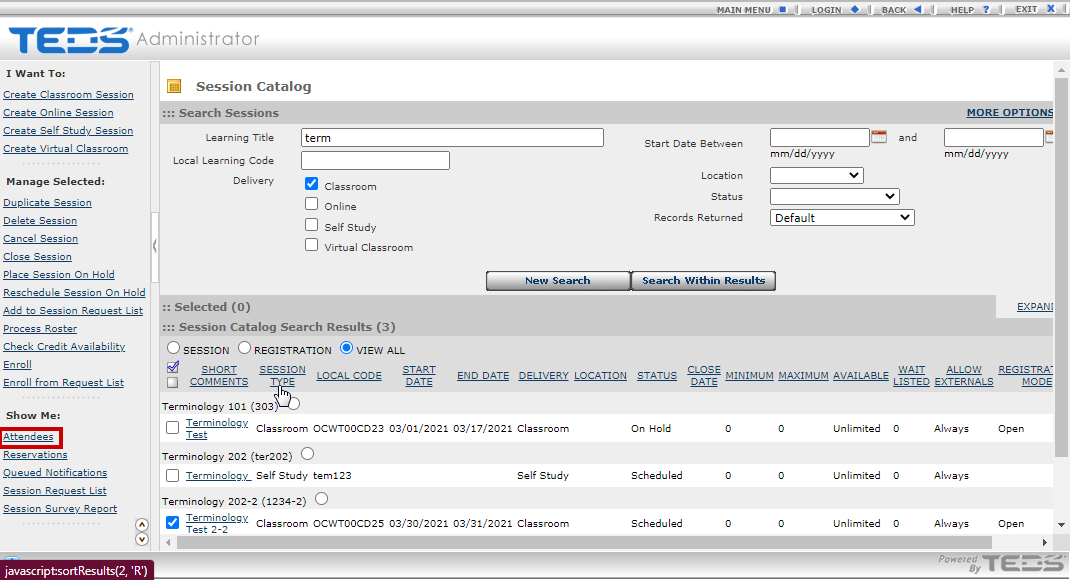
| Select the "Attendees" option under the Show Me menu. |
|
|
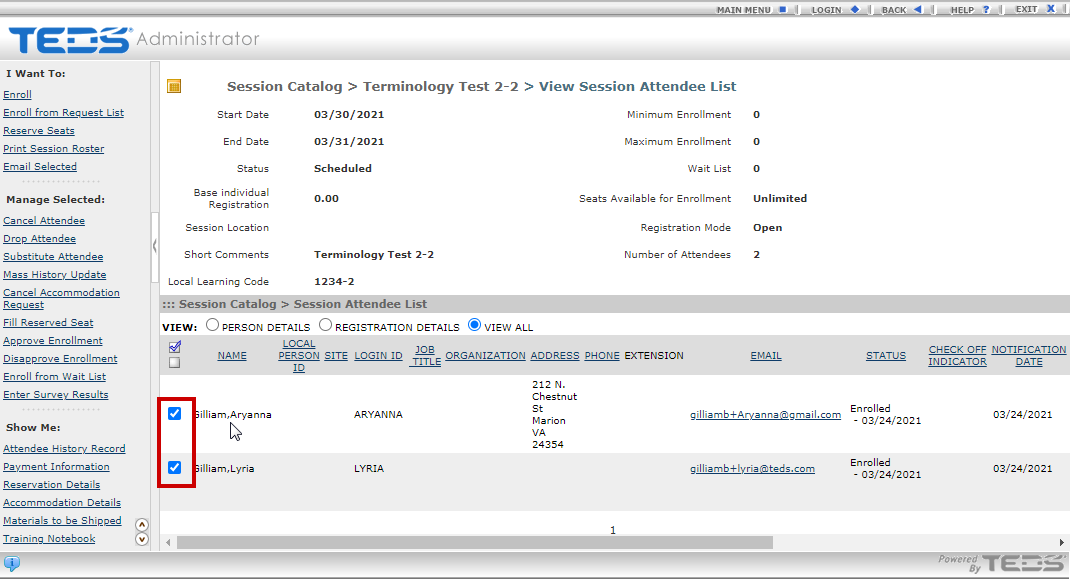
Select the desired attendees. |
|
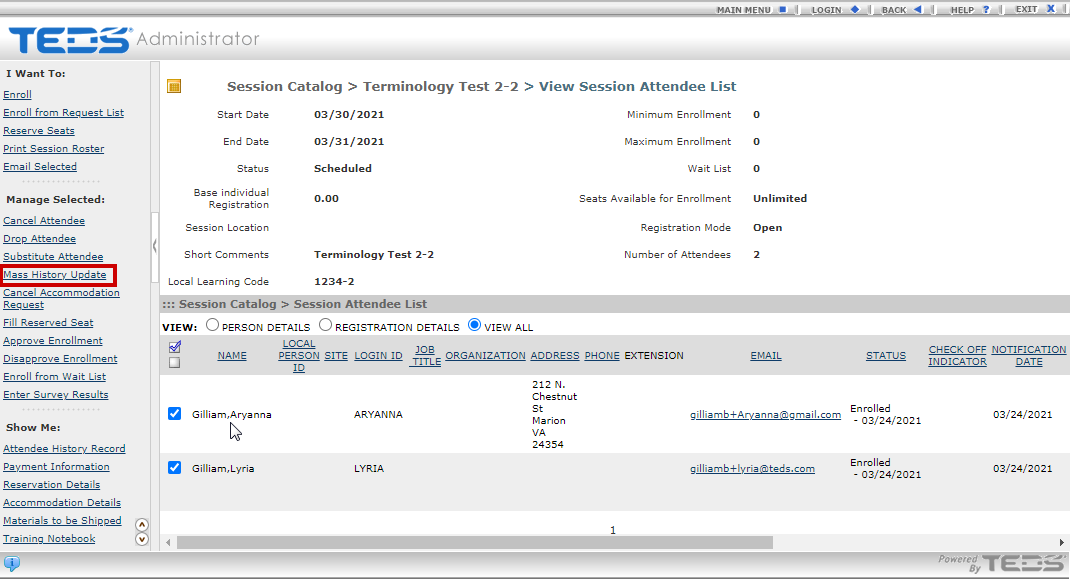
| Select the "Mass History Update" option under the Manage Selected menu. |
|
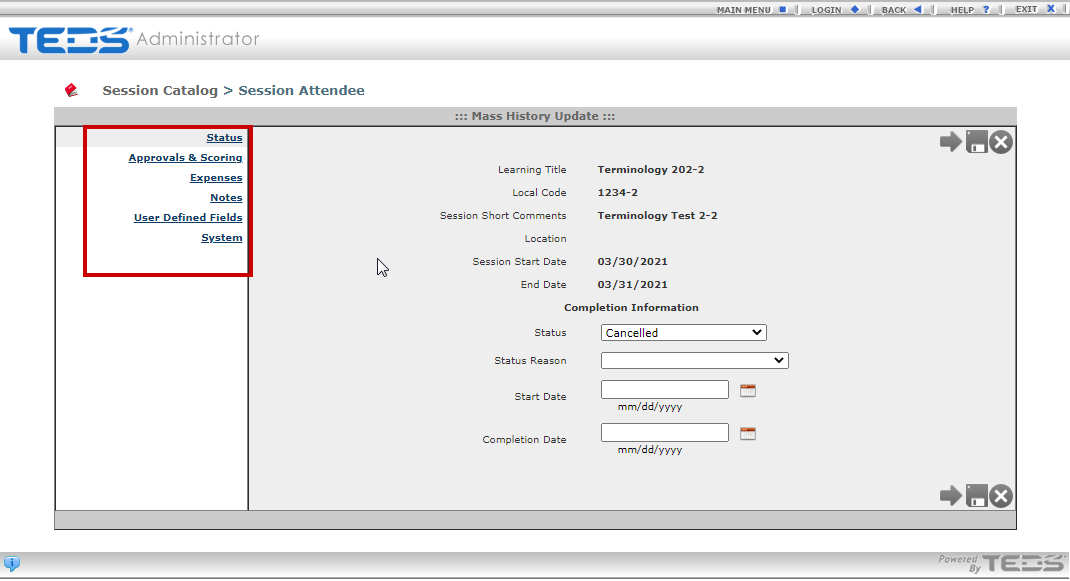
| Update all desired information. |
|
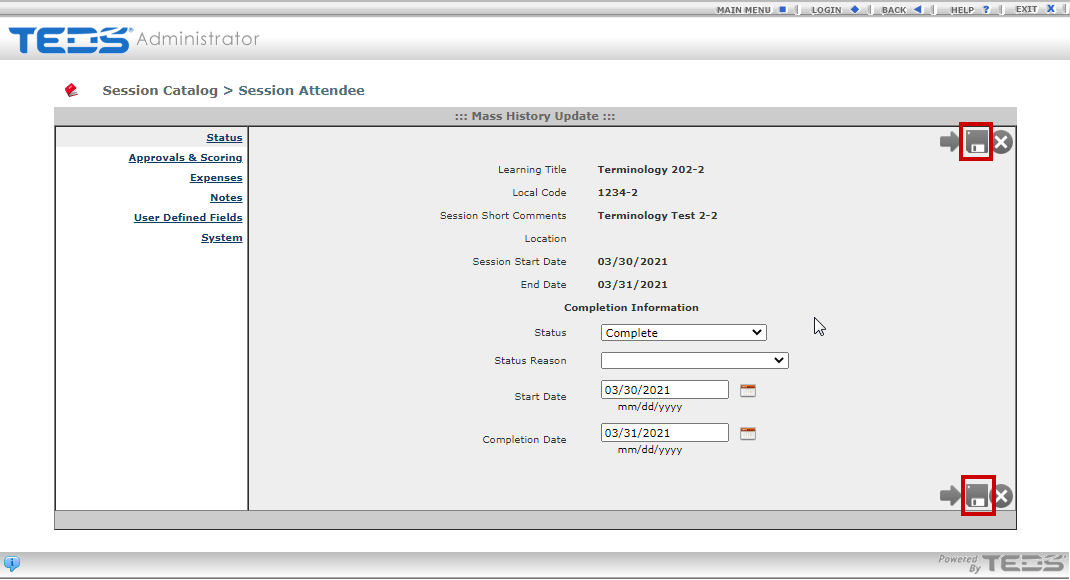
| Select the save option. |
|
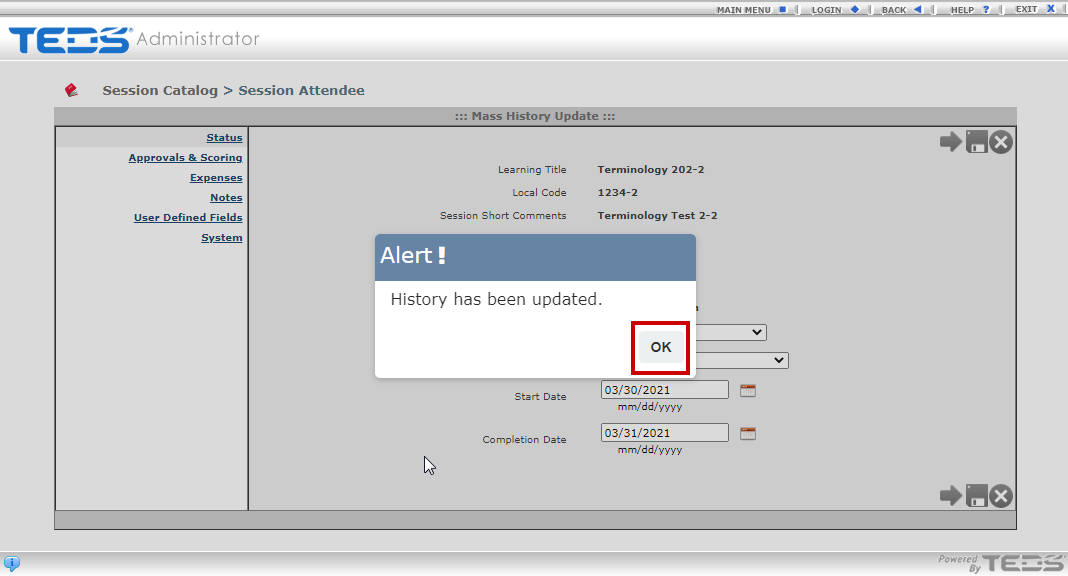
| A message will display that the history was updated, select OK. |
|
Related Guides
Add a Learning History in TEDS Online Administrator