Add a Learning History in TEDS EveryOne as an Associate
| Privileges | Description |
| Associate User | A user will need associate access to TEDS. This is defined on the Company tab of the individual's person details in the Person Type field. It will need to be set to Associate or the organizational equivalent. |
|
Instructions |
|
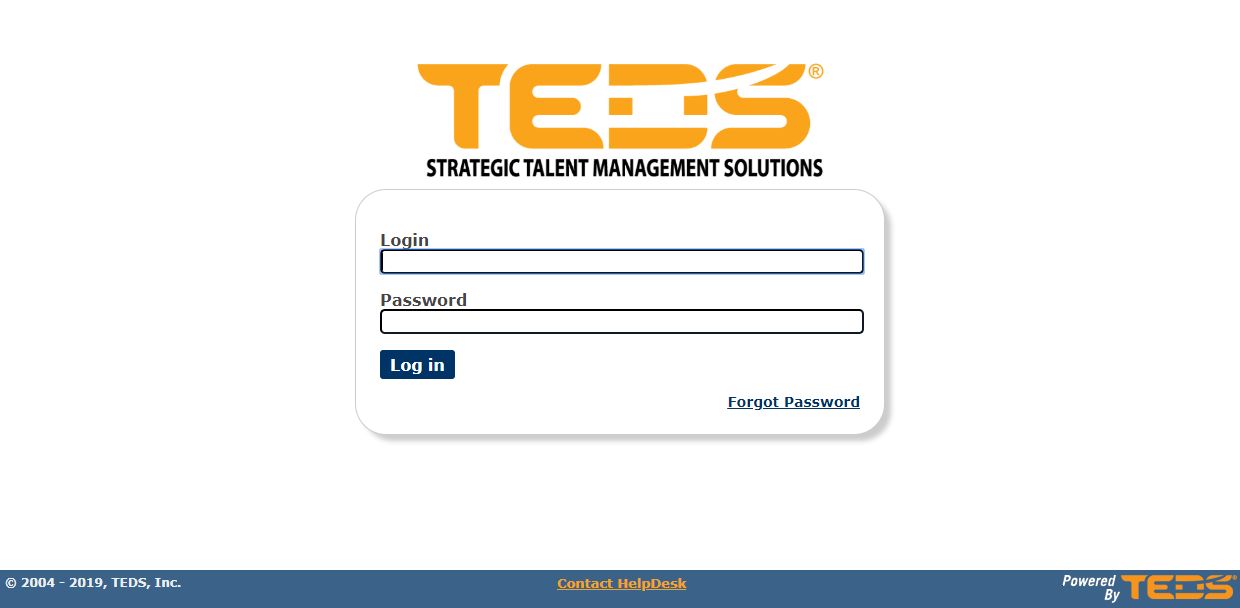
| Log in to TEDS EveryOne. |
|
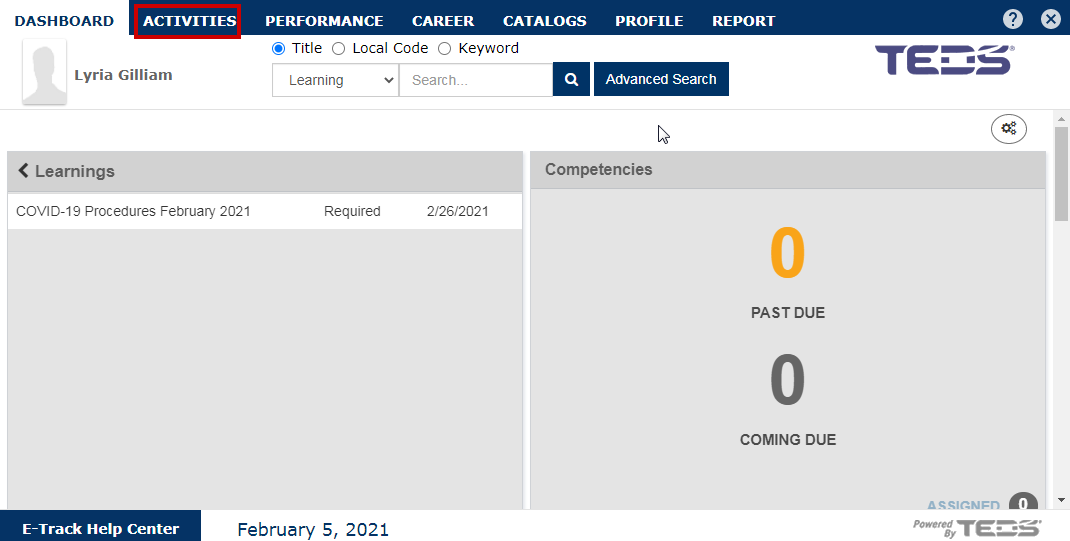
| Select the Activities tab. |
|
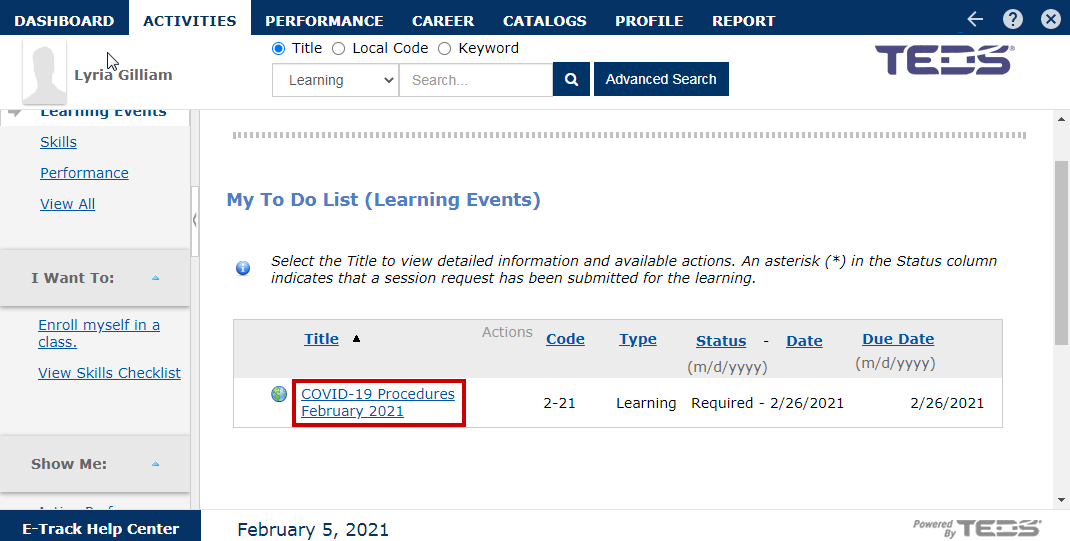
| Locate and select the desired learning. |
|
|
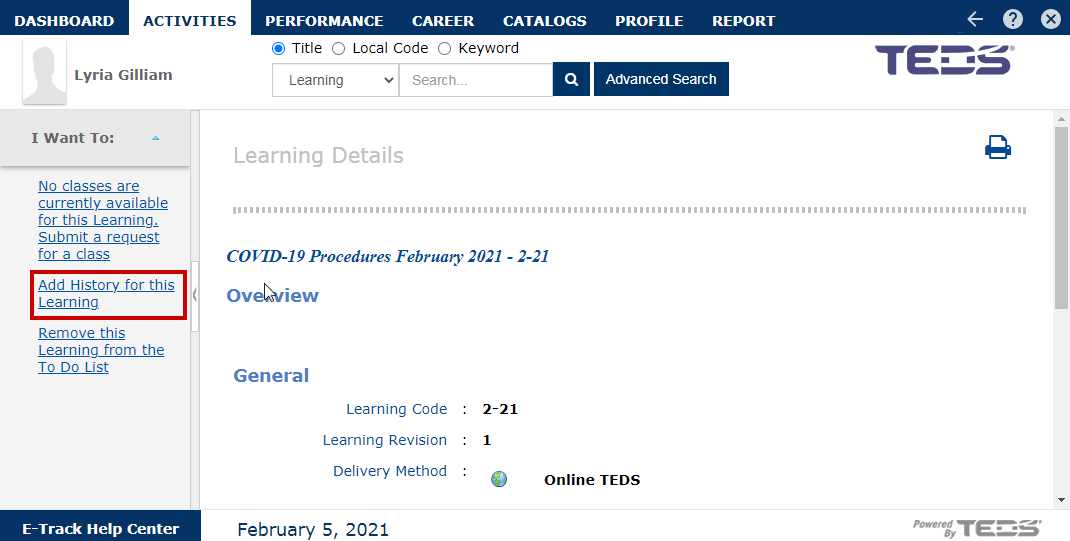
Select the "Add History for this Learning" option from the navigation pane on the left. |
|
|
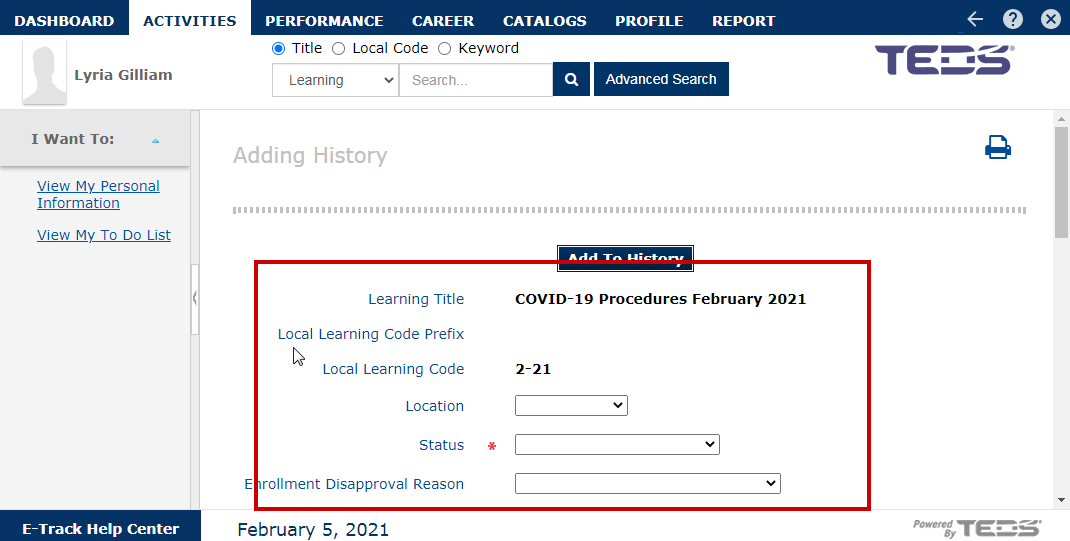
Complete the following fields as desired:
|
|
|
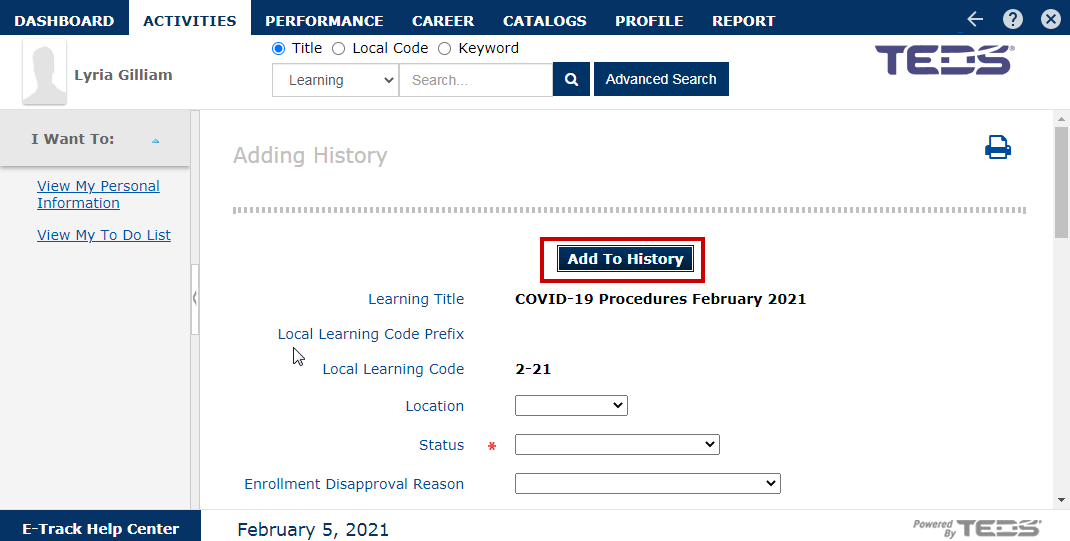
Once all details have been completed select the "Add to History" button. |
|
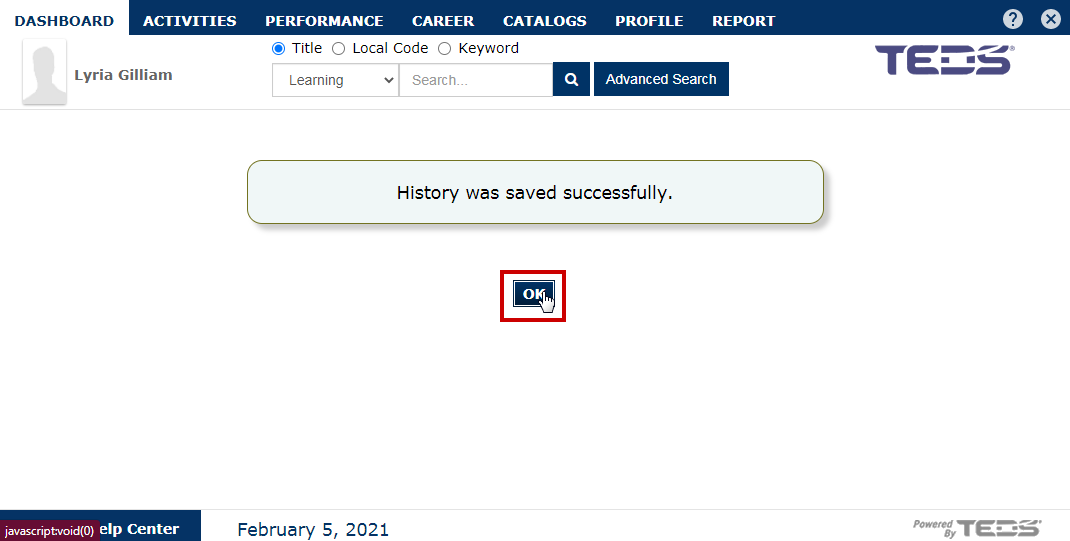
| Select the "OK" button on the confirmation message. |
|
Related Guides