Add a Learning History in TEDS Online Administrator
| Privileges | Description |
| Administrative User | A user will need administrative access to TEDS. This is defined on the Login tab of the individual's person details. |
| Manage Training Notebook Records | A user will need the Manage Training Notebook Records global privilege. This privilege is assigned via the Person Catalog Privileges window. |
|
Instructions |
|
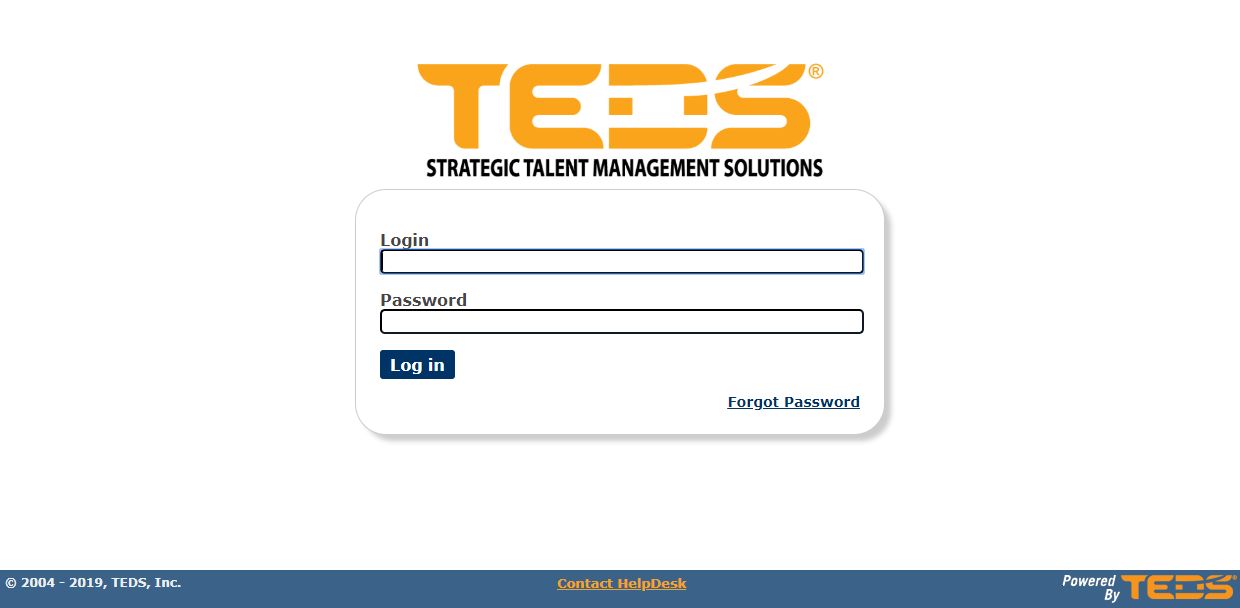
| Log in to TEDS Online Administrator. |
|
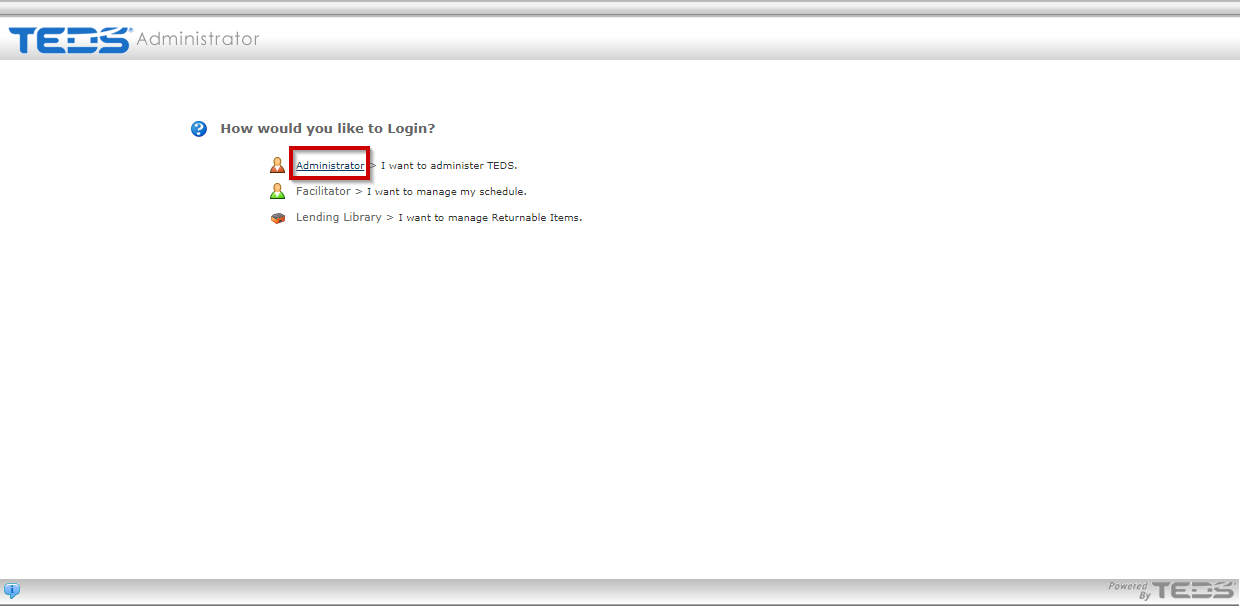
| Access the Administrator option. |
|
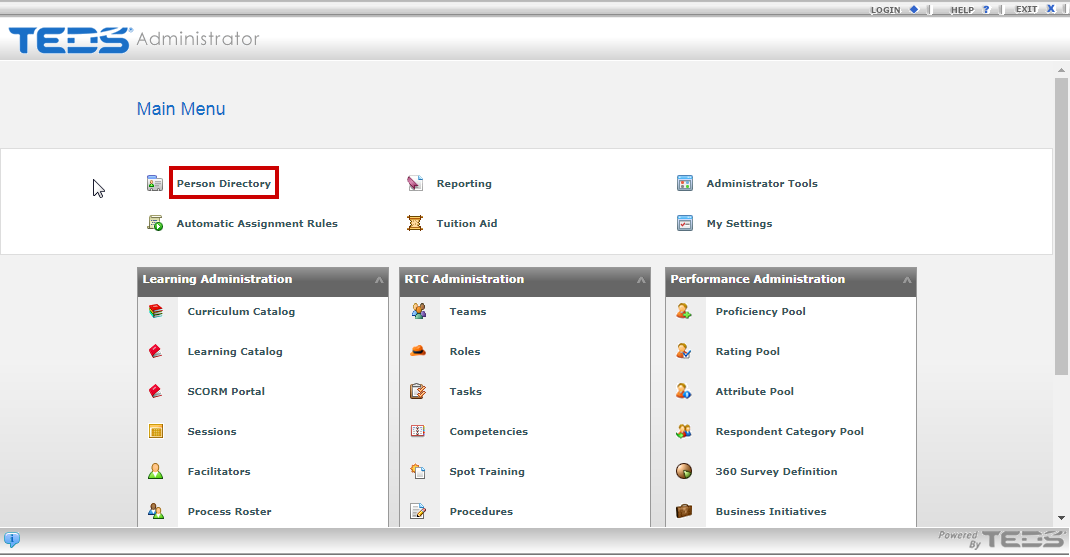
| Access the Person Directory. |
|
|
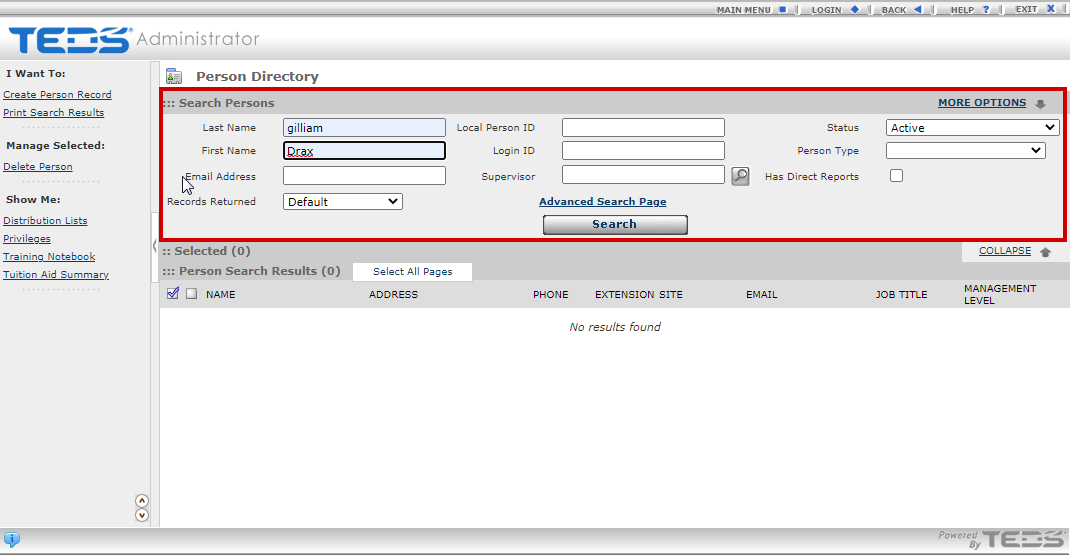
Search for the desired individual. |
|
|
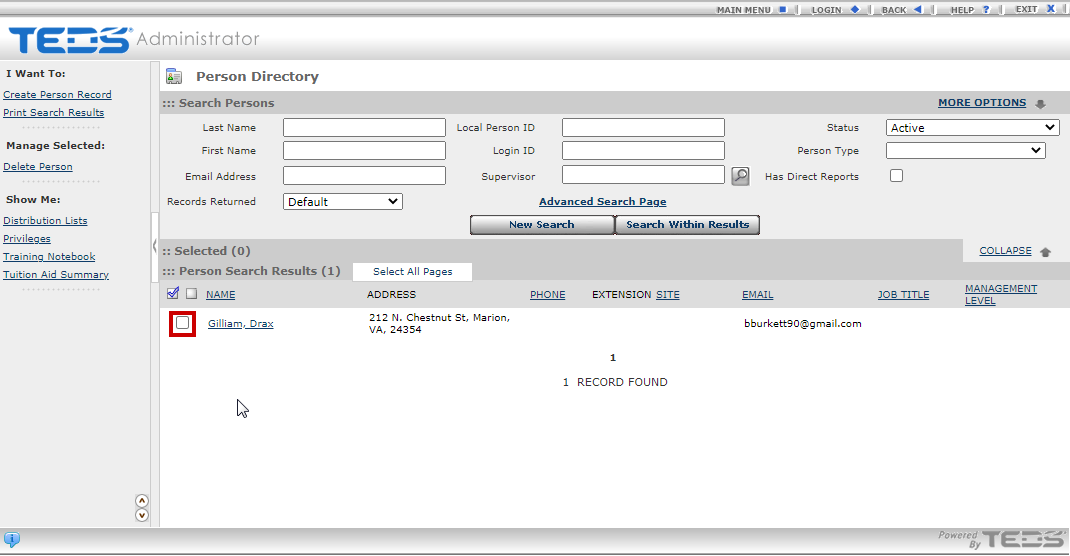
Select the checkbox to the left of the desired individual's name. |
|
|
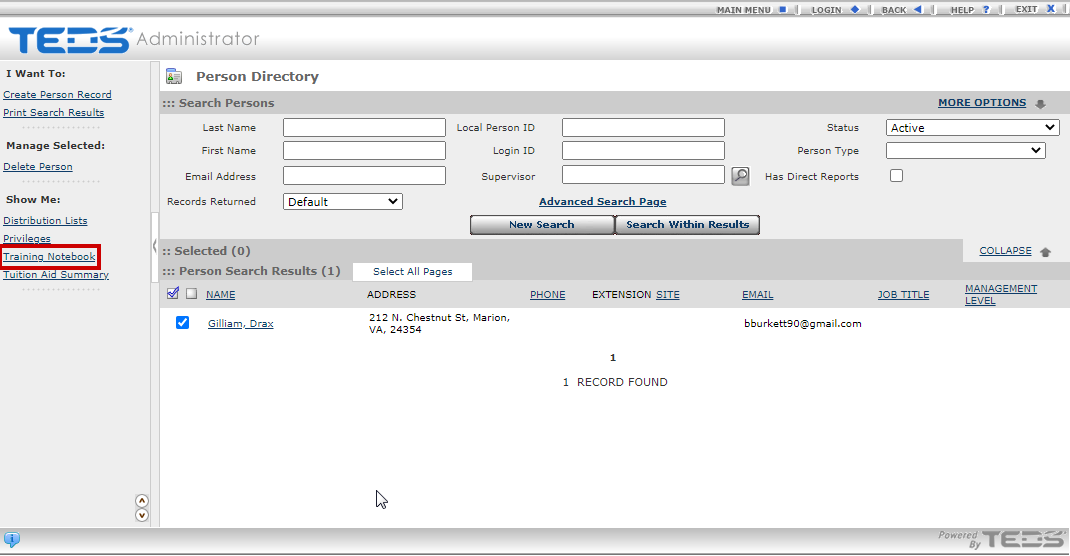
Access the Training Notebook option under the Show Me label. |
|
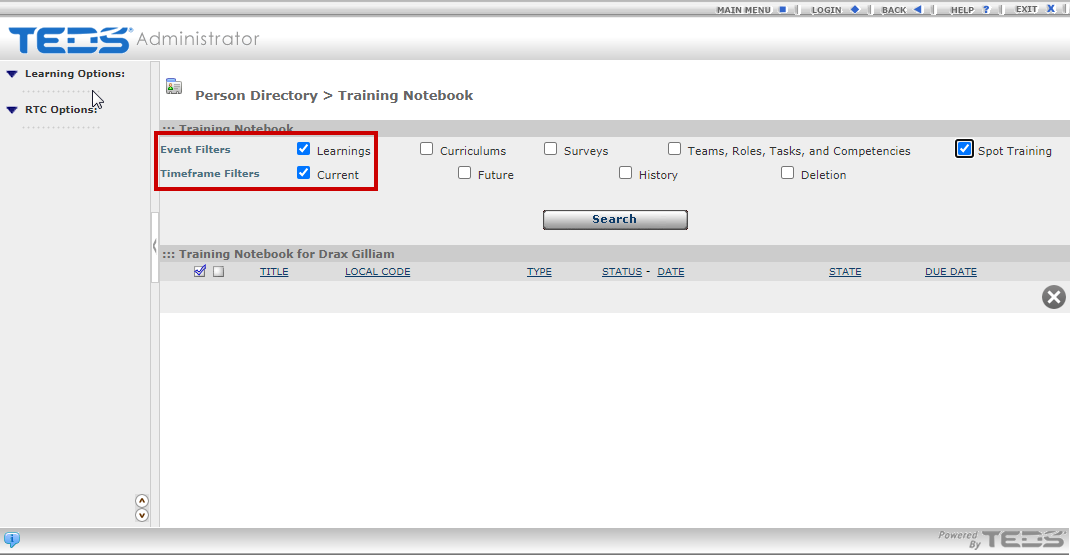
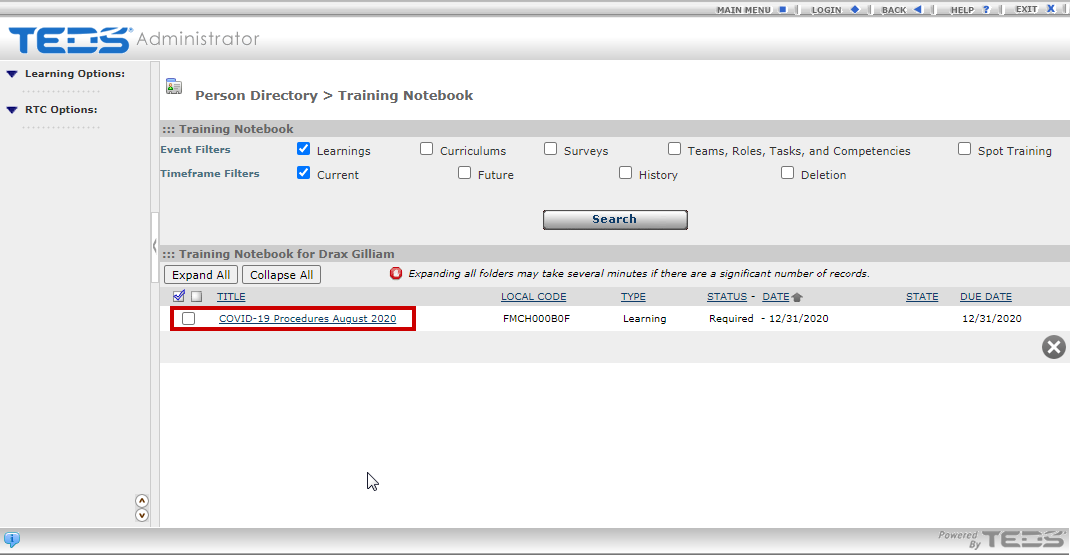
| Filter by Learnings and Current. |
|
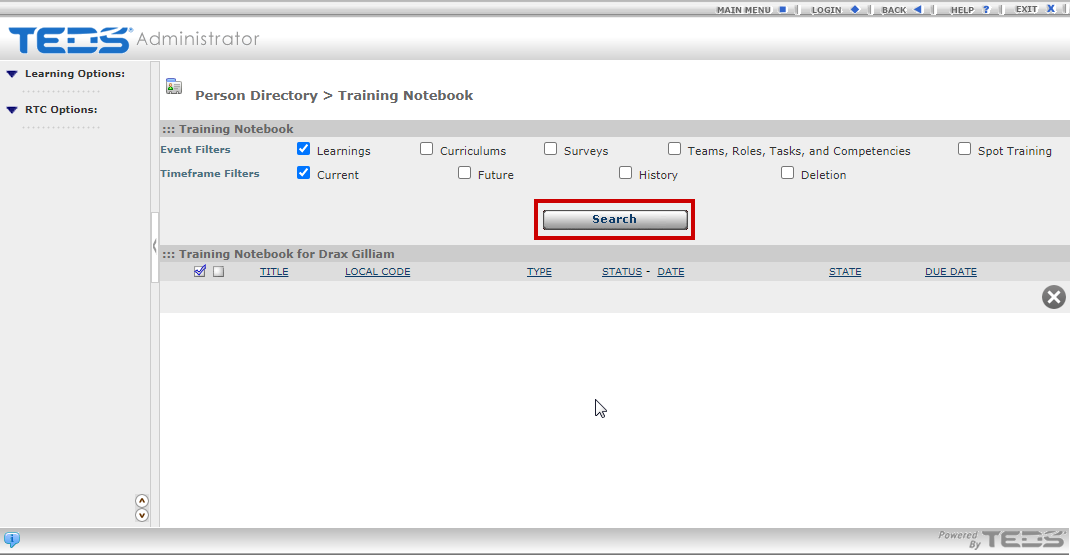
| Select the Search button. |
|
| Select the checkbox to the left of the desired learning. |
|
|
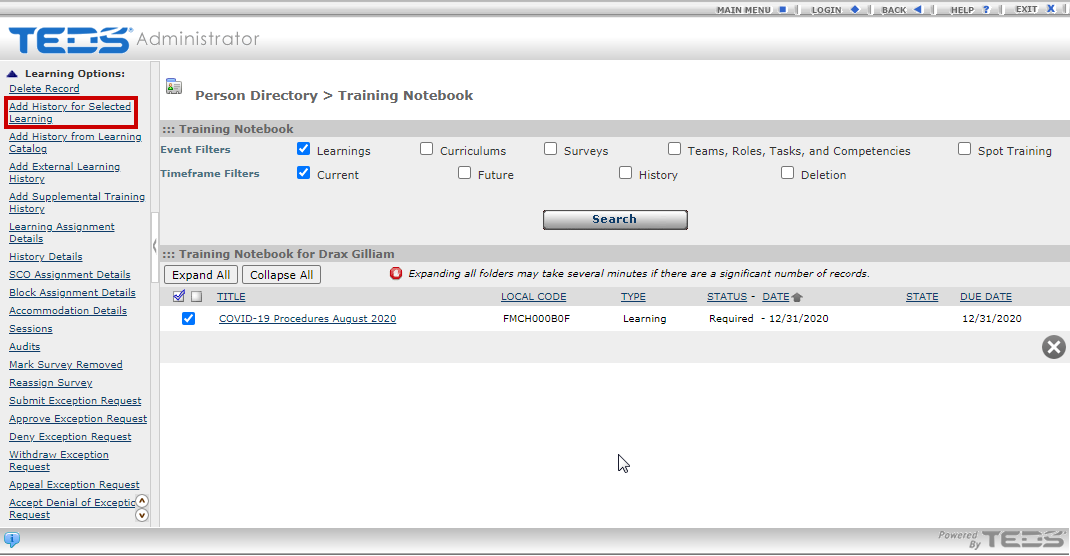
Select the "Add History for Selected Learning" option. |
|
|
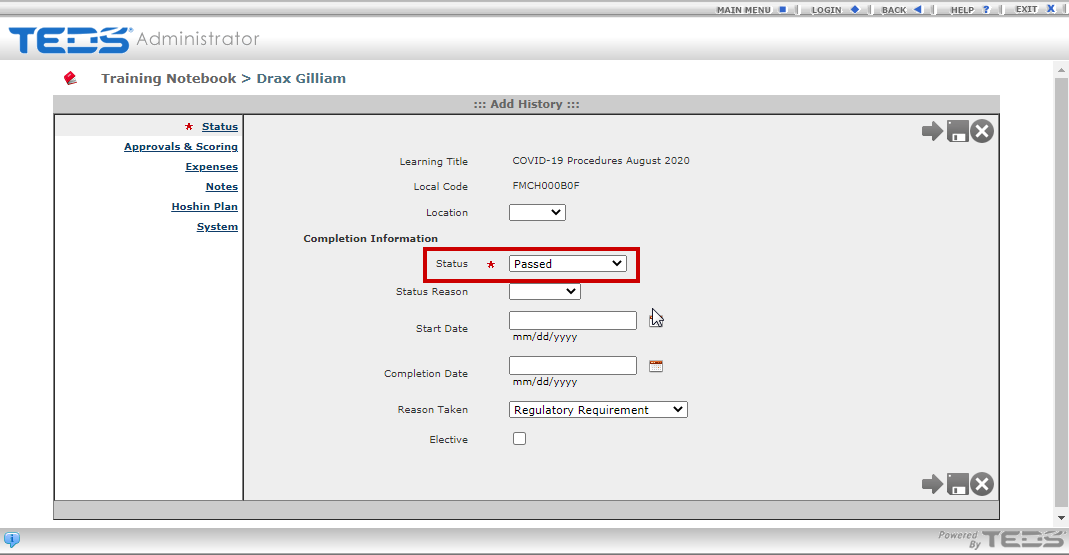
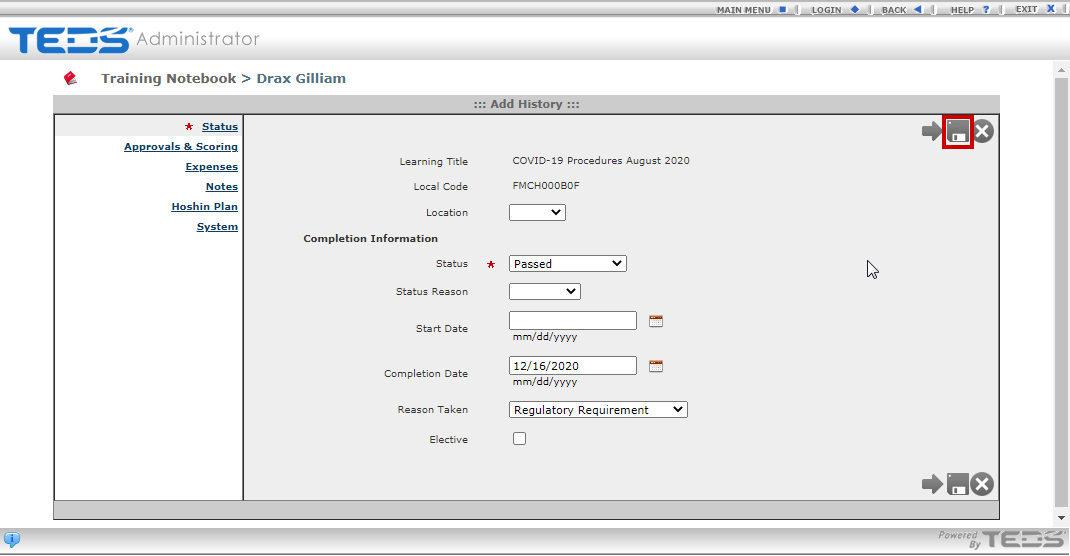
Select a Status. This is a system required field. Then complete any other fields indicated with a red asterisk (these are fields required by your organization). |
|
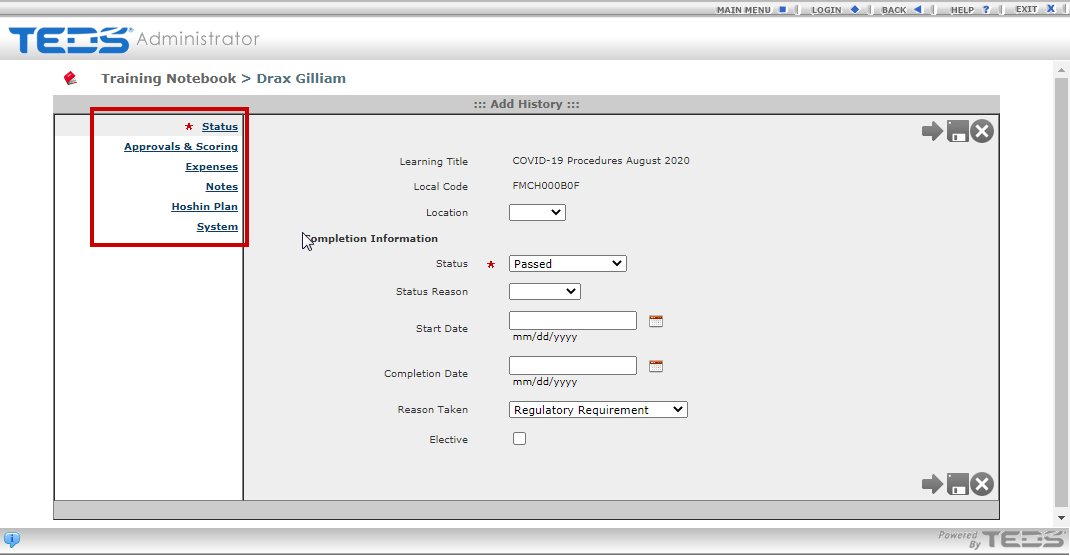
| Complete all other desired information through the tabs. |
|
|
Select the Save option when all desired information is completed. The history will be added. |
|
Related Guides