Add a Learning History in TEDS EveryOne as an Supervisor
| Privileges | Description |
| Supervisor | A user will need Supervisor access to TEDS. The user will need to be listed as the Supervisor for a user that is not themselves. This is defined in the Work Profile on the Company Tab within the Person Details. |
|
Instructions |
|
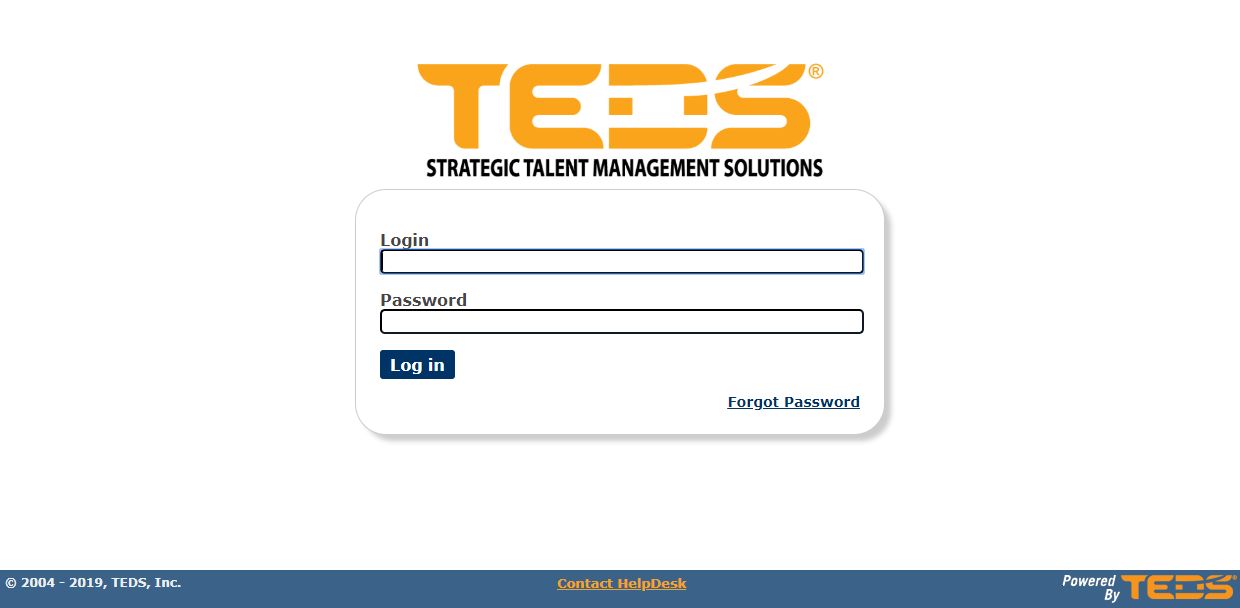
| Log in to TEDS EveryOne. |
|
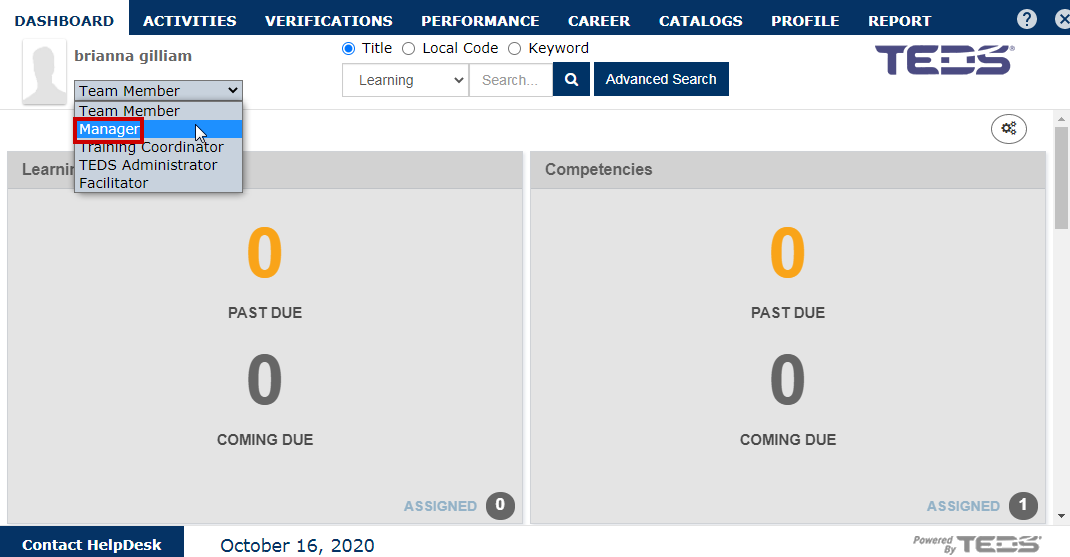
| Select the Supervisor/ Manager option from the user mode drop down. |
|
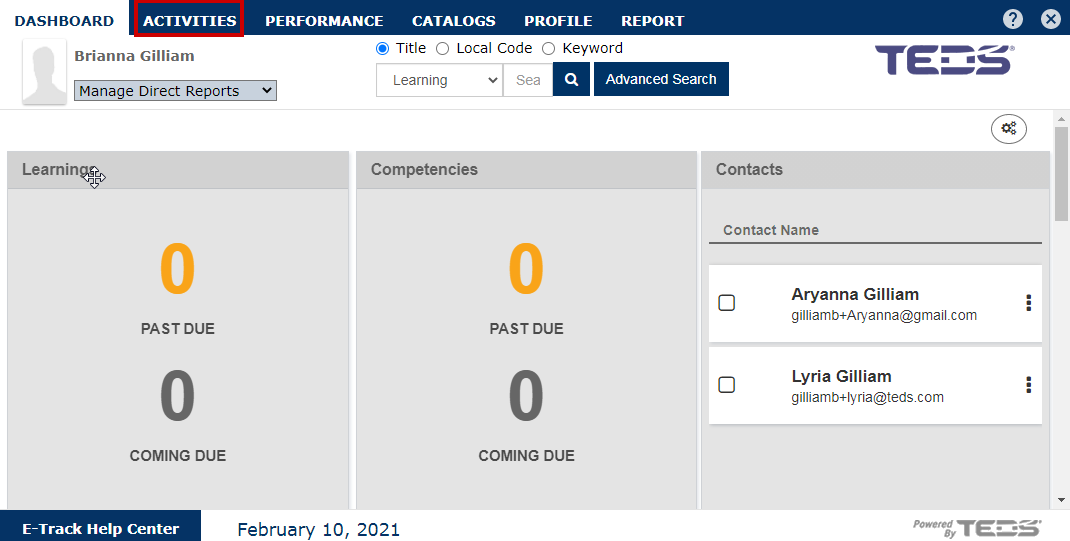
| Select the Activities tab. |
|
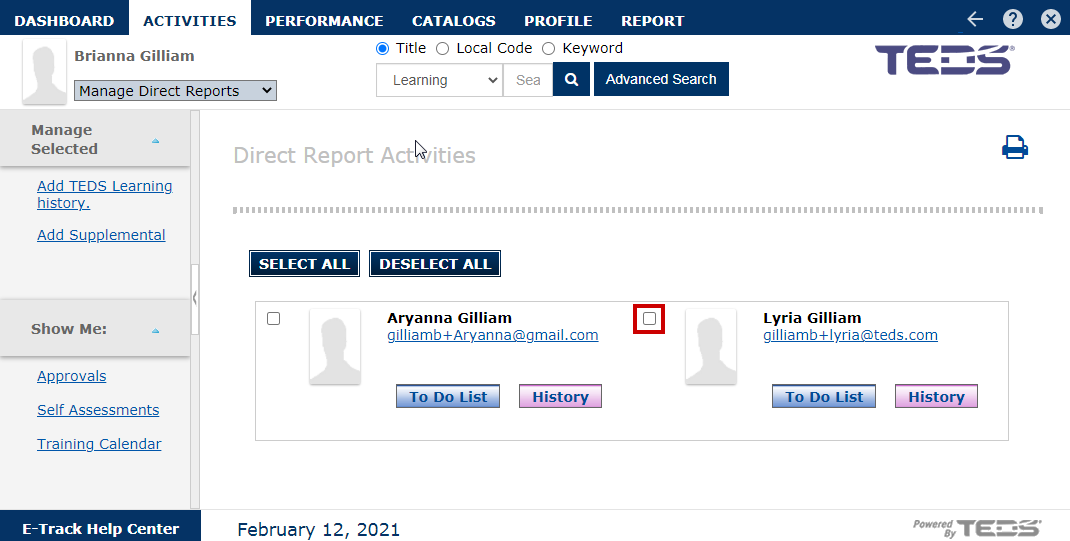
| Select the checkbox for the desired associate. |
|
| Select the "Add TEDS Learning History" option. |

|
|
Search for the desired learning. |

|
| Select the learning. |

|
|
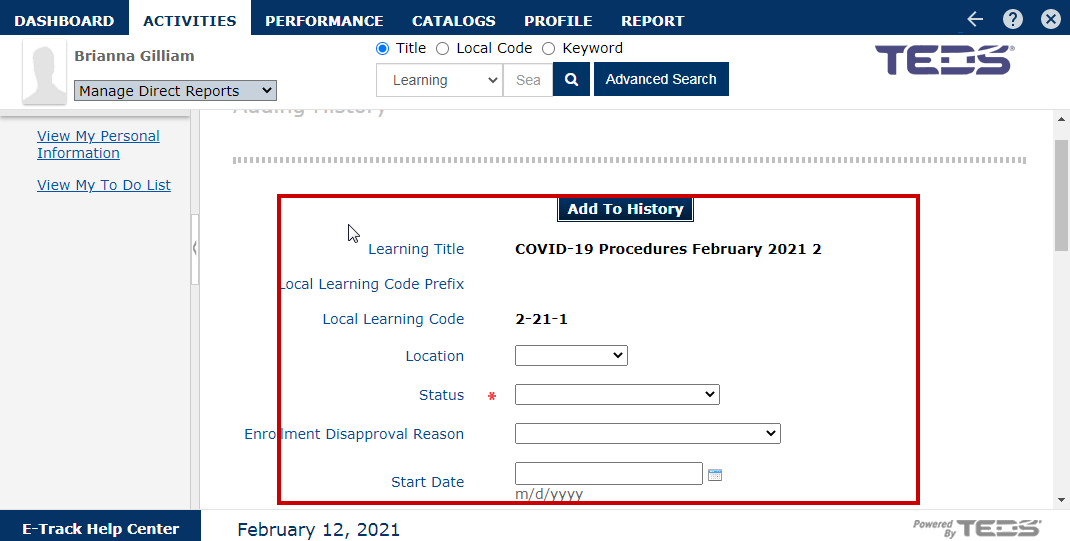
Complete the following fields as desired:
|
|
|
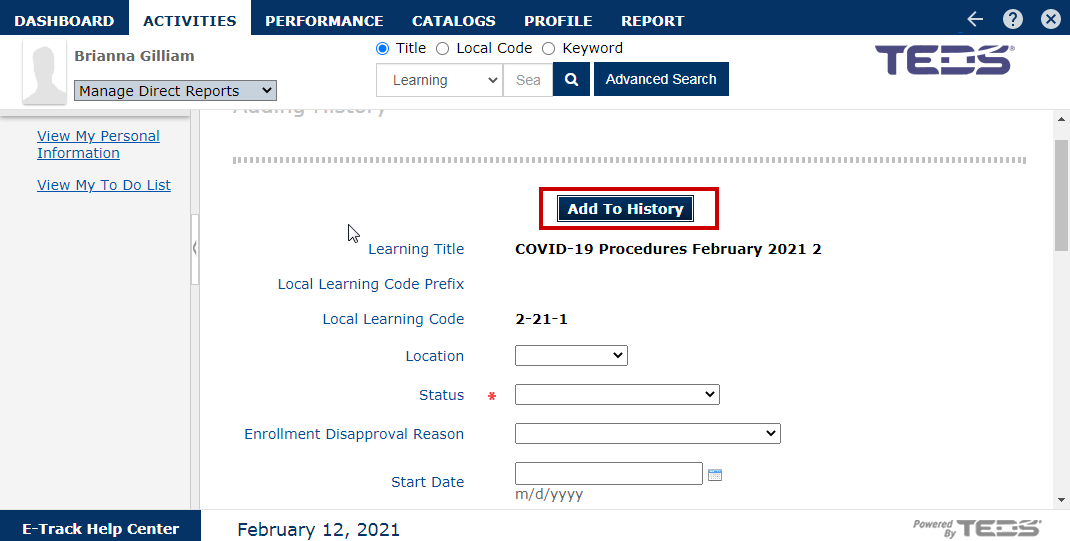
Once all desired details have been completed, select the "Add to History" button. |
|
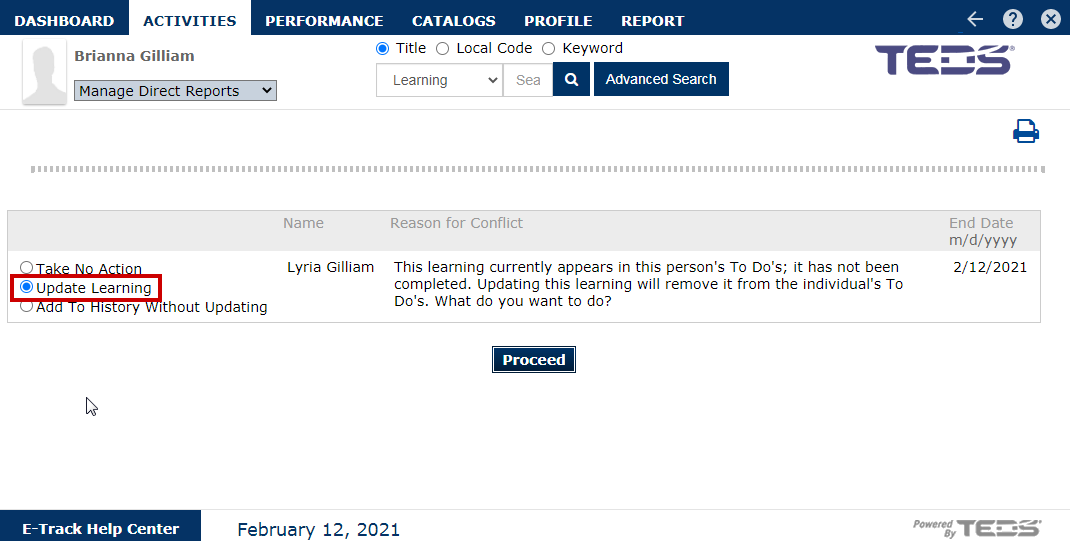
| Select the "Update Learning" option. |
|
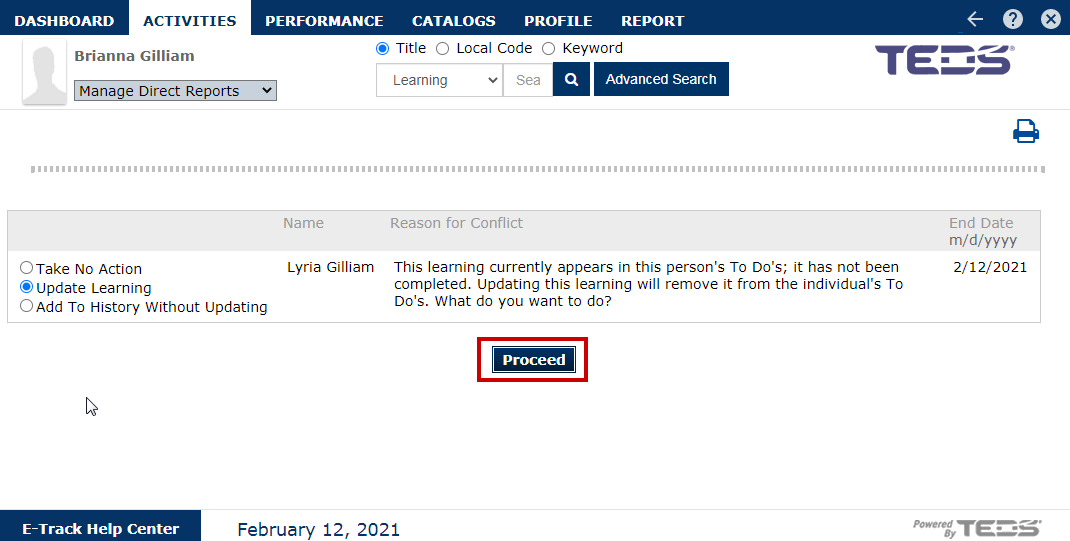
| Select the "Proceed" option. |
|
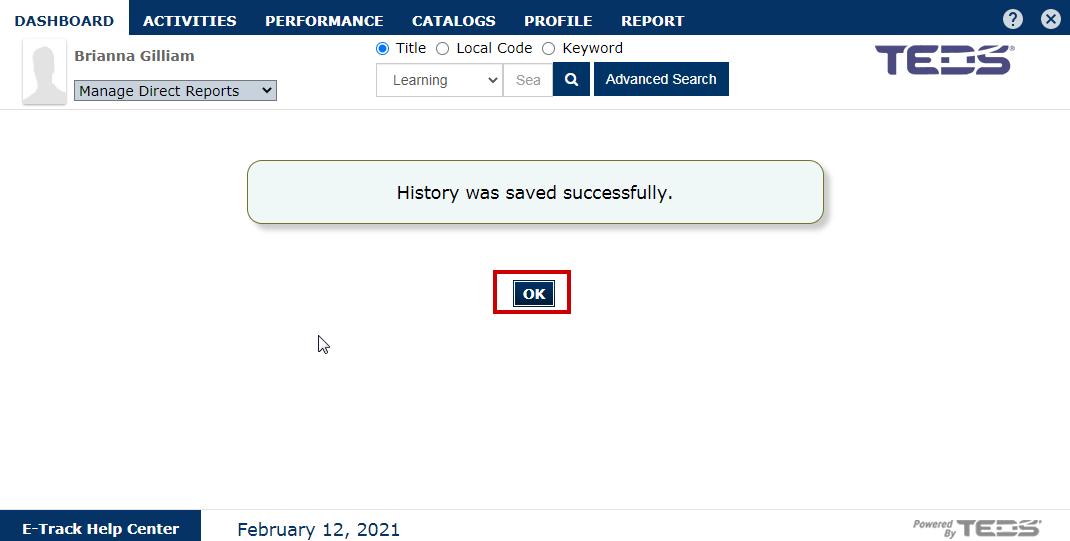
| Select the "OK" button on the confirmation message. |
|
Related Guides