Remove a Learning Assignment in TEDS Online Administrator
| Privileges | Description |
| Administrative User | A user will need administrative access to TEDS. This is defined on the Login tab of the individual's person details. |
| Manage Training Notebook Records | A user will need the Manage Training Notebook Records global privilege. This privilege is assigned via the Person Catalog Privileges window. |
|
Instructions |
|
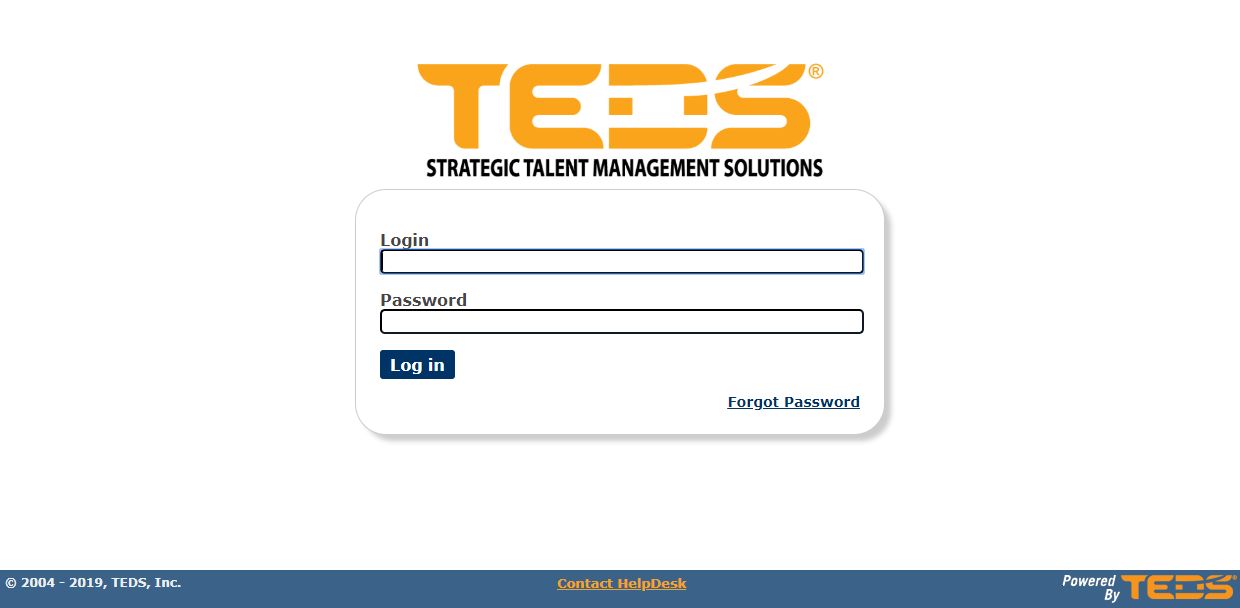
| Log in to TEDS Online Administrator. |
|
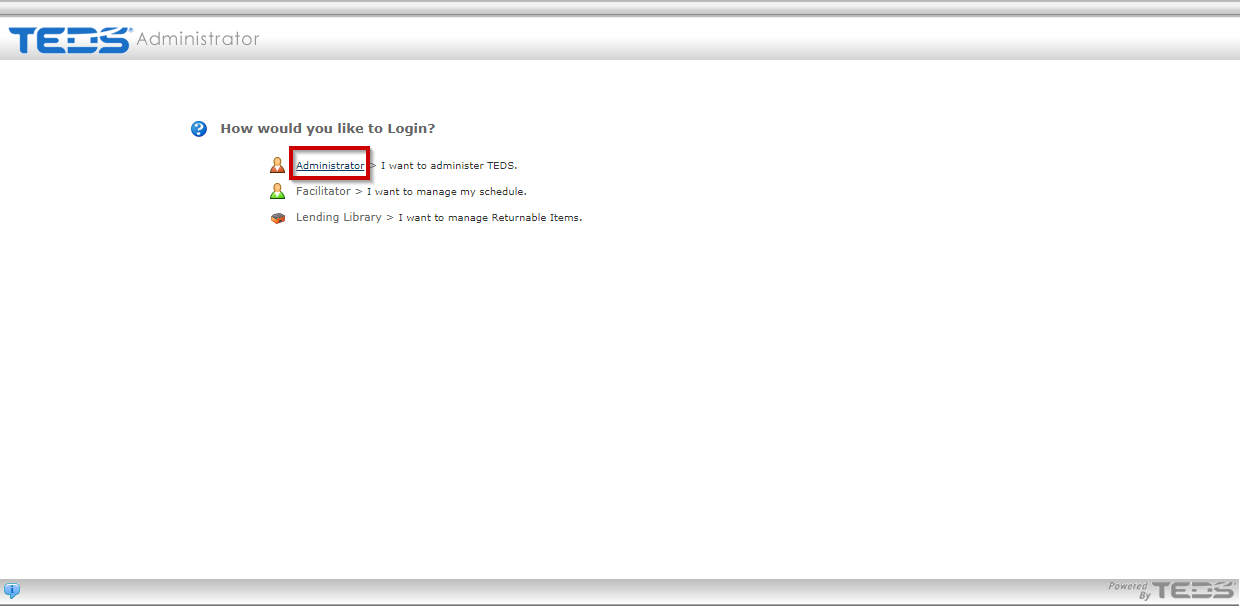
| Access the Administrator option. |
|
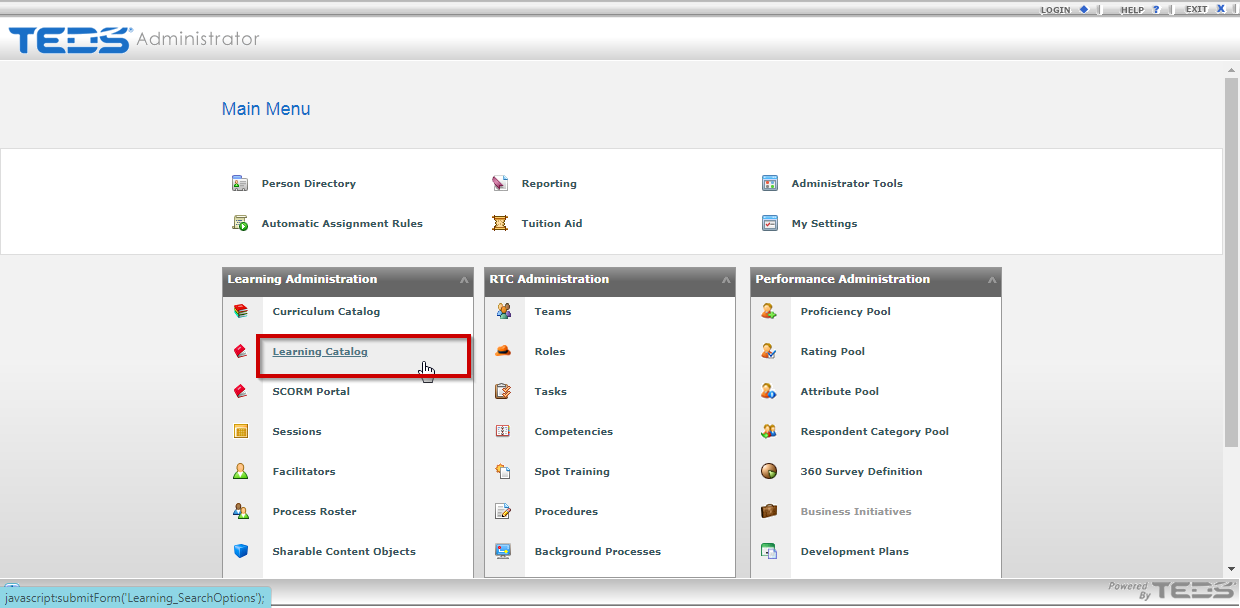
| Select the Learning Catalog option. |
|
|
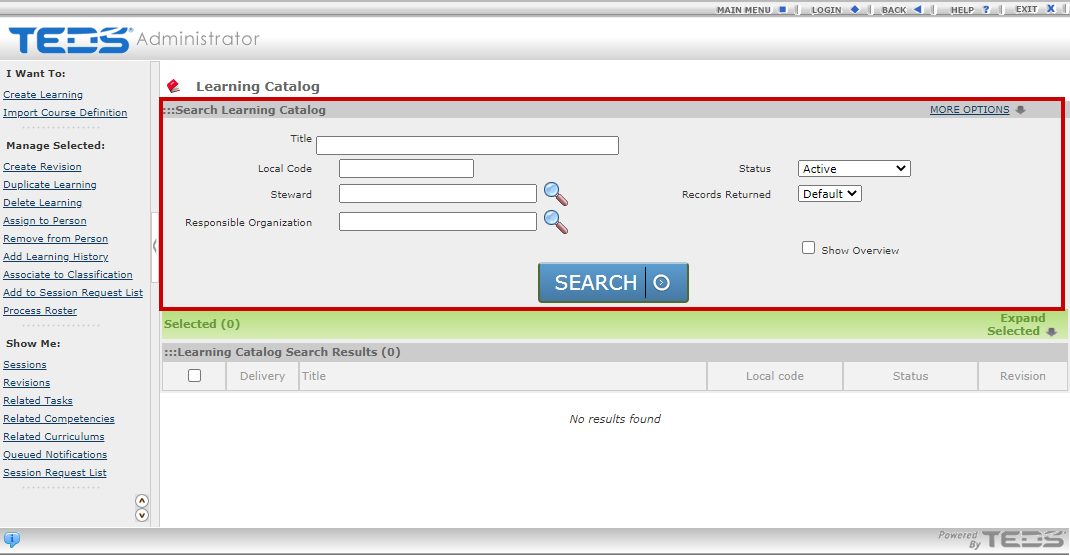
Search for the desired learning. |
|
|
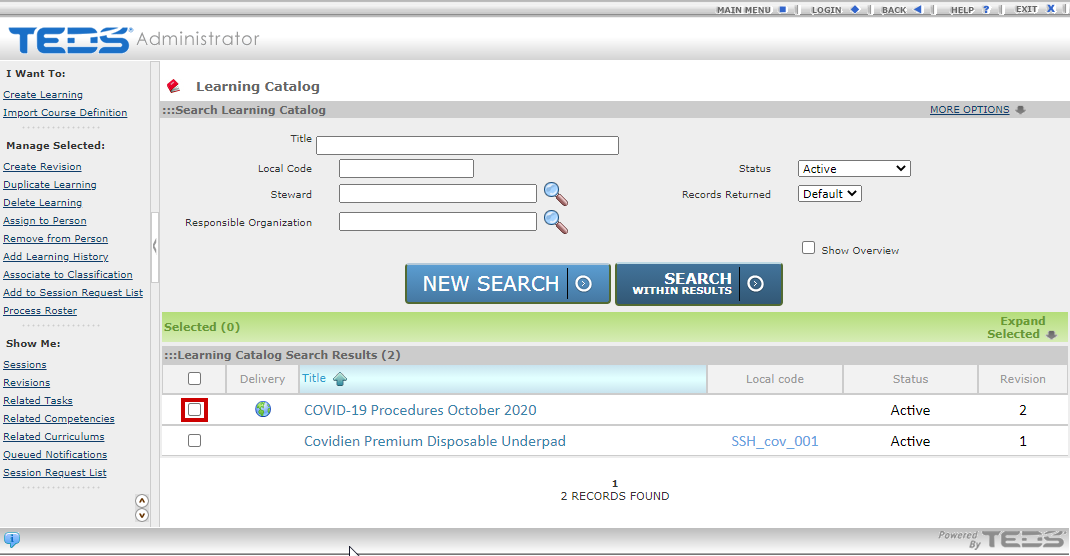
Select the checkbox to the left of the learning that you wish to remove the assignment for. |
|
|
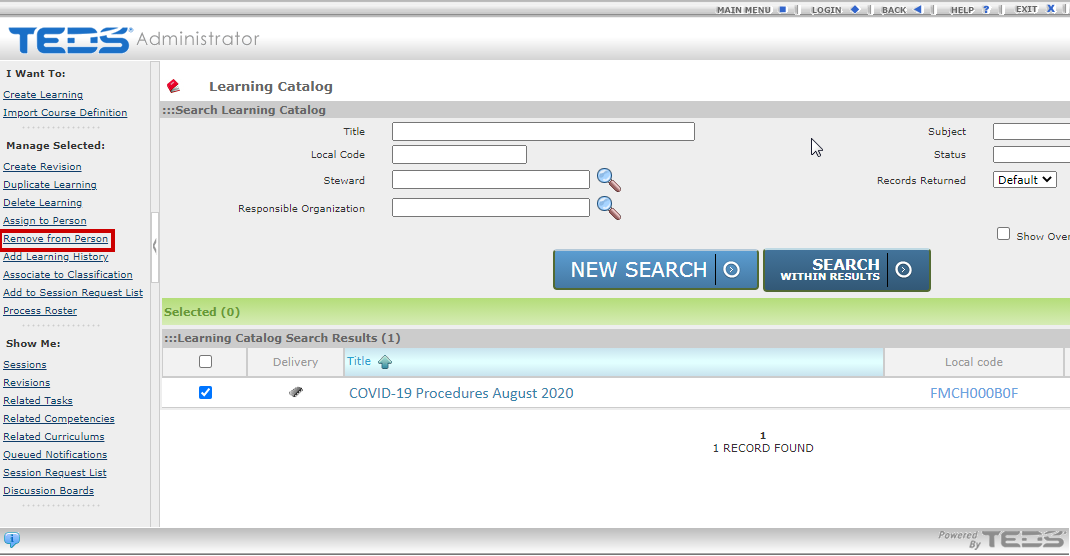
Select the Remove from Person option. NOTE: Ensure pop-up blockers are turned off. |
|
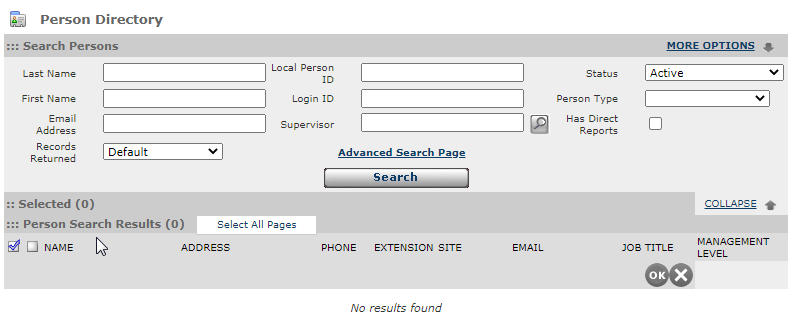
| Search for the desired individual. |
|
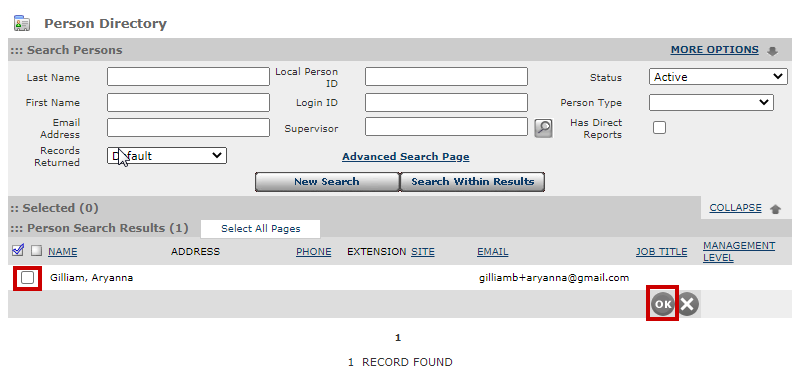
| Select the checkbox to the left of the individuals name and then select the OK button. |
|
|
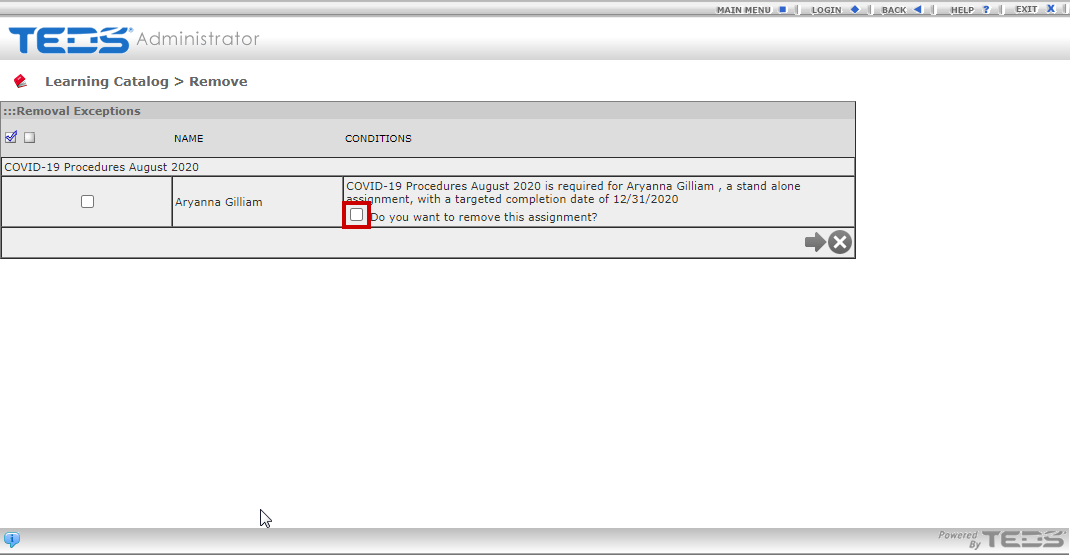
Select the checkbox to confirm that you wish to remove the learning assignment from the individual(s). |
|
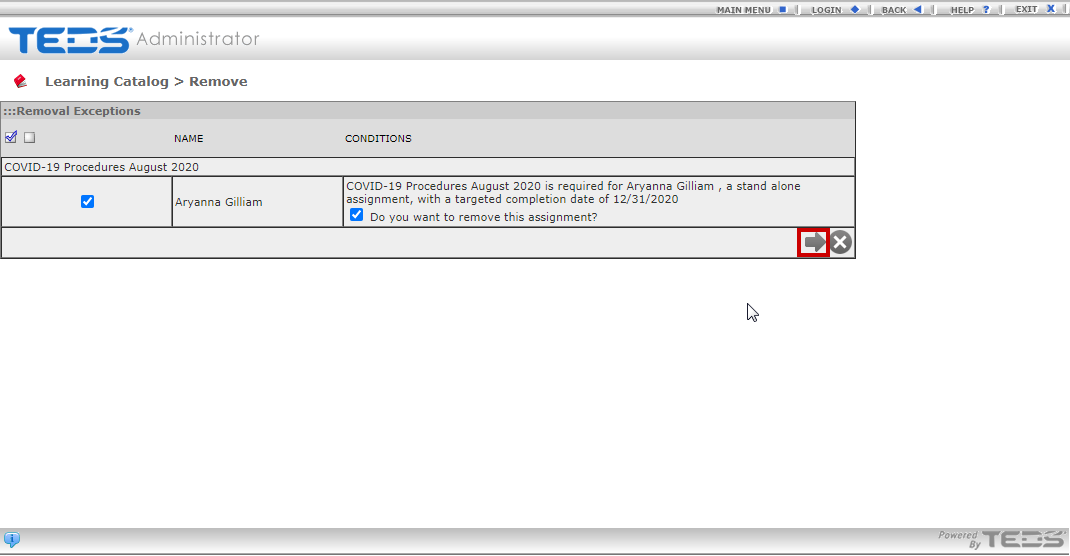
| Select the arrow button to process the removal. |
|
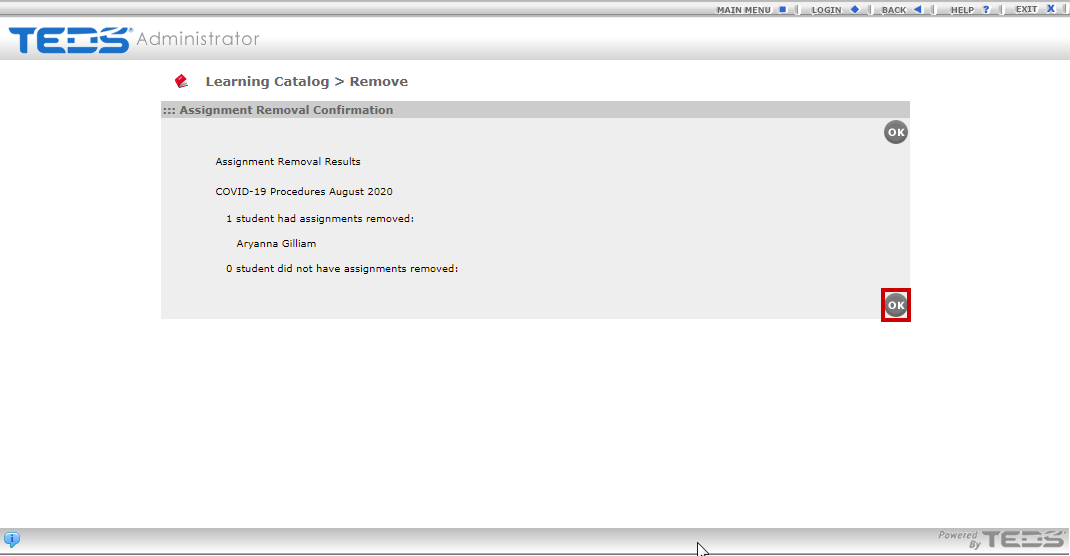
| A confirmation message is displayed, select the OK button. |
|
Related Guides
Assign a Learning in TEDS Online Administrator