Just in Time Check Off
| Privileges | Description |
|
Supervisor Peer Trainer Training Coordinator |
In order to verify individuals on their skills a user with either the Supervisor, Peer Trainer, or Training Coordinator privilege is needed. Supervisors are users who are defined in an individual's work profile as his/her supervisor. Peer Trainer can be assigned as a global or hierarchical privilege in TEDS Online Administrator. Training Coordinator is a hierarchical privilege assigned in TEDS Online Administrator. |
|
Instructions |
|
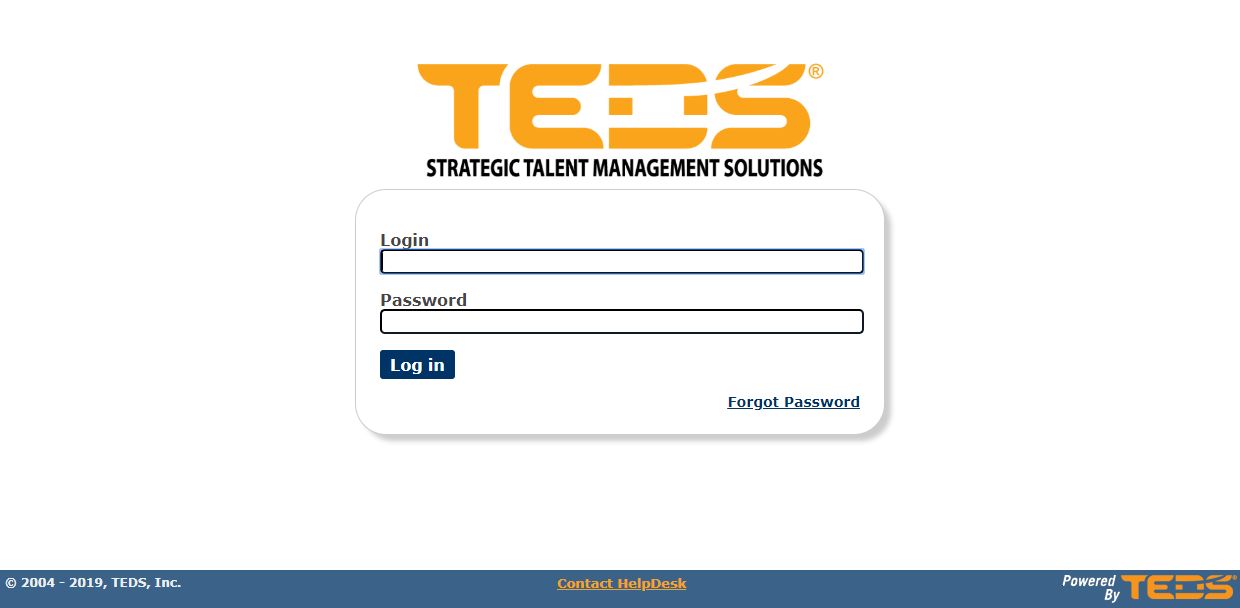
| Log in to the Verification Portal. |
|
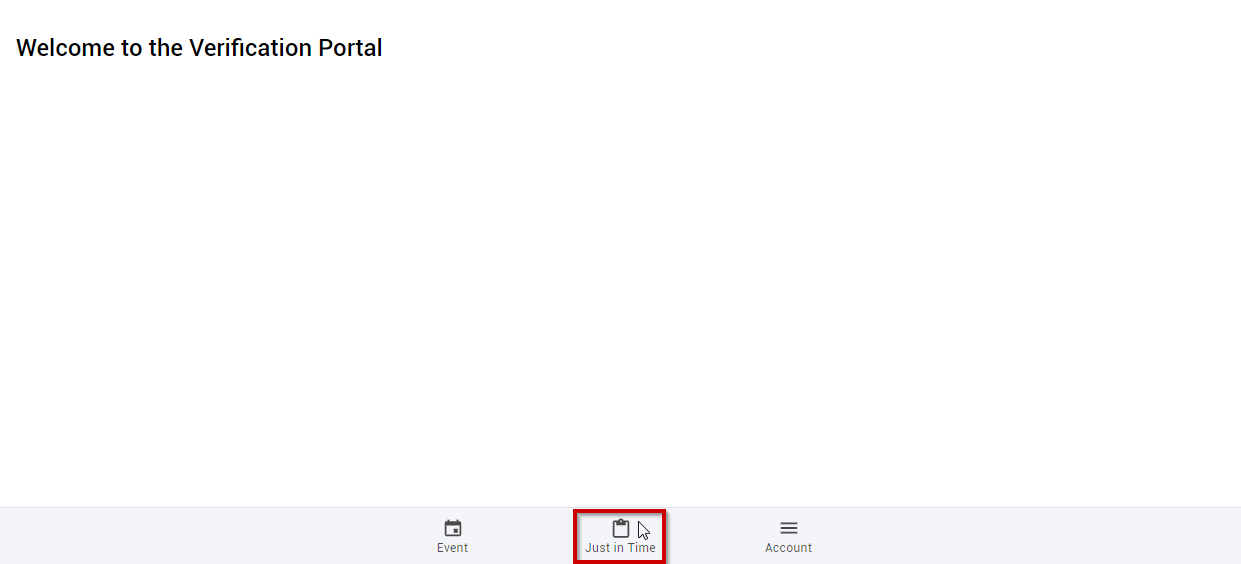
| Select to navigate to the Just In Time area. |
|
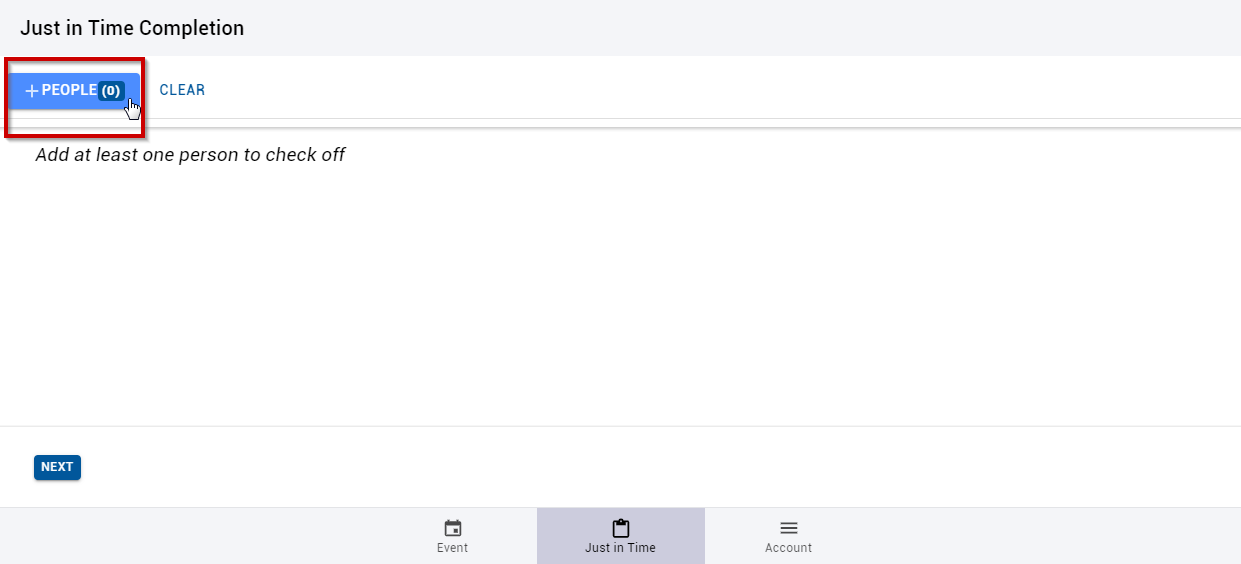
| Select the option to add people. |
|
|
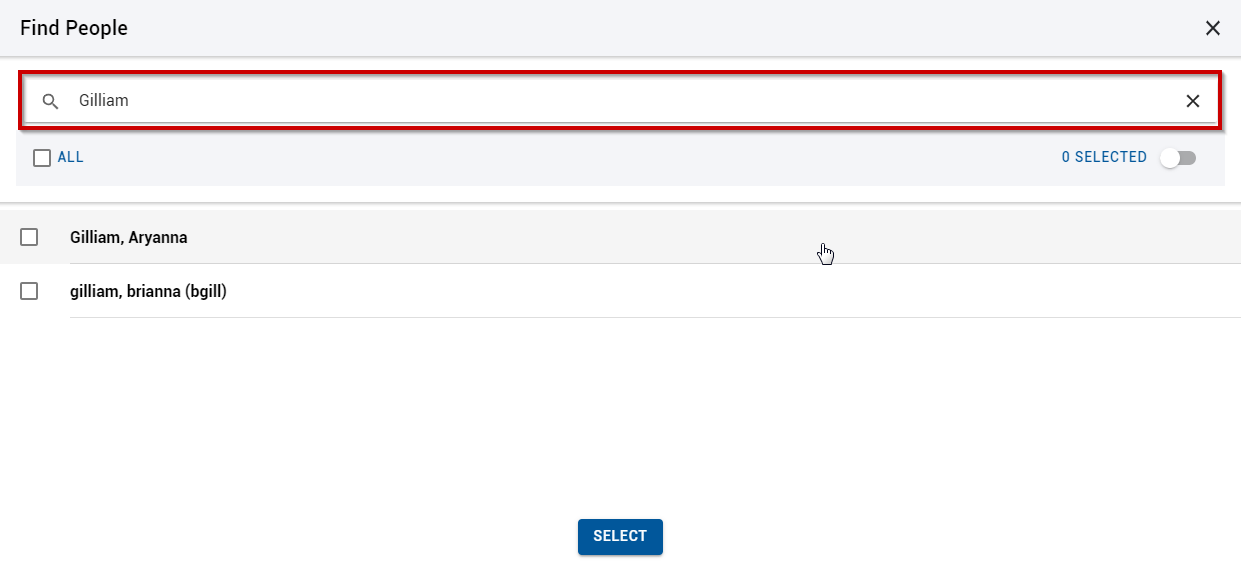
Search for the desired individual(s). |
|
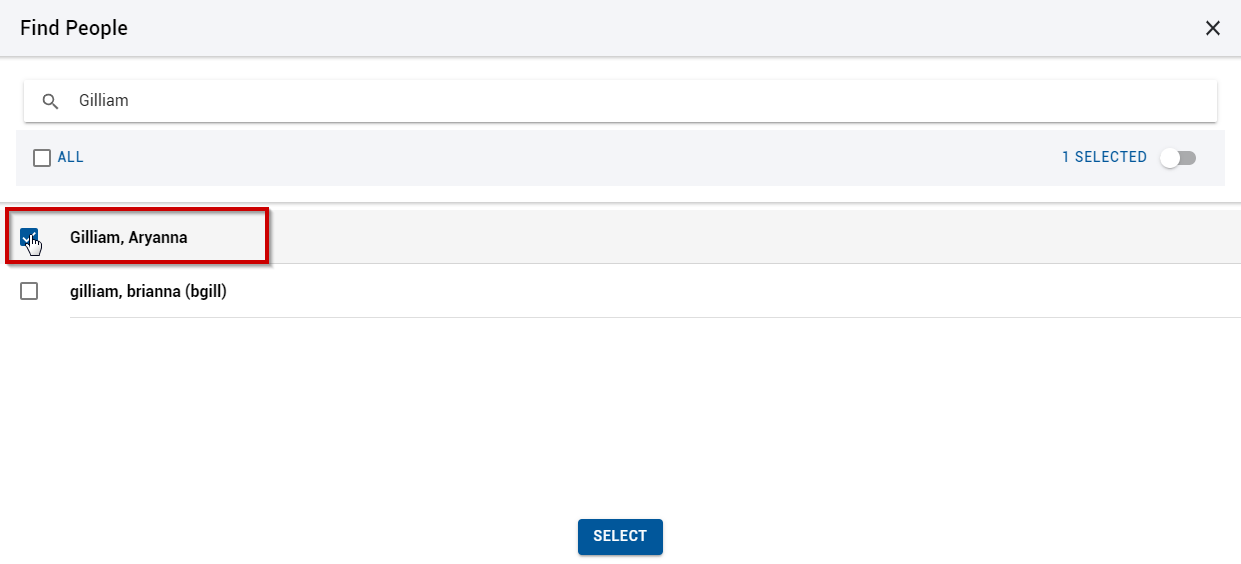
| Select the individual(s). |
|
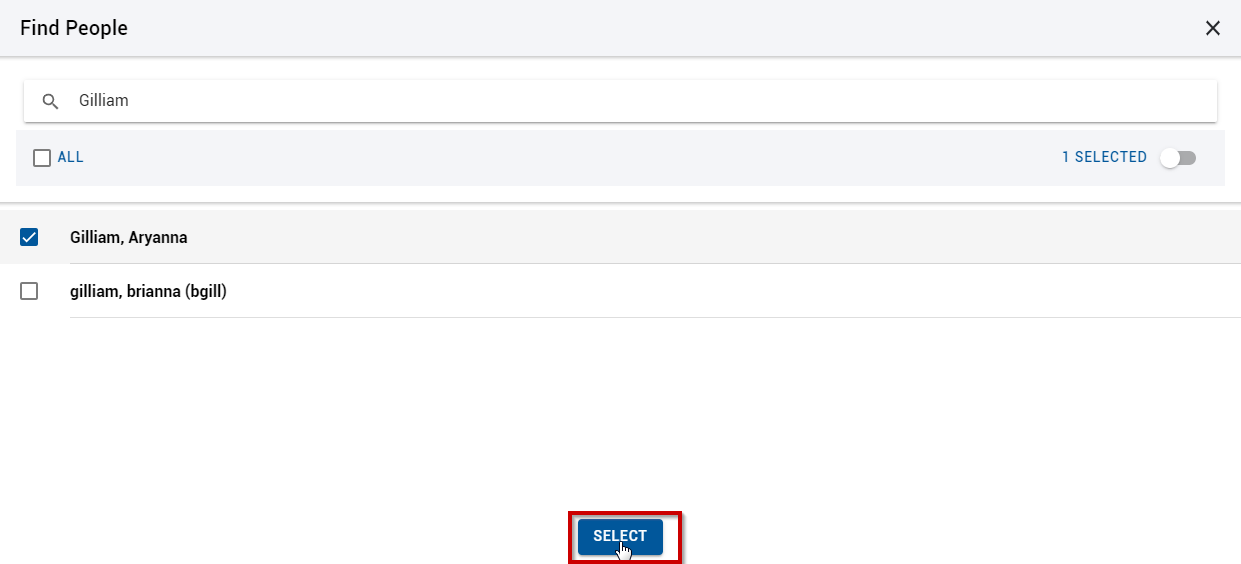
| Click the "Select" button. |
|
|
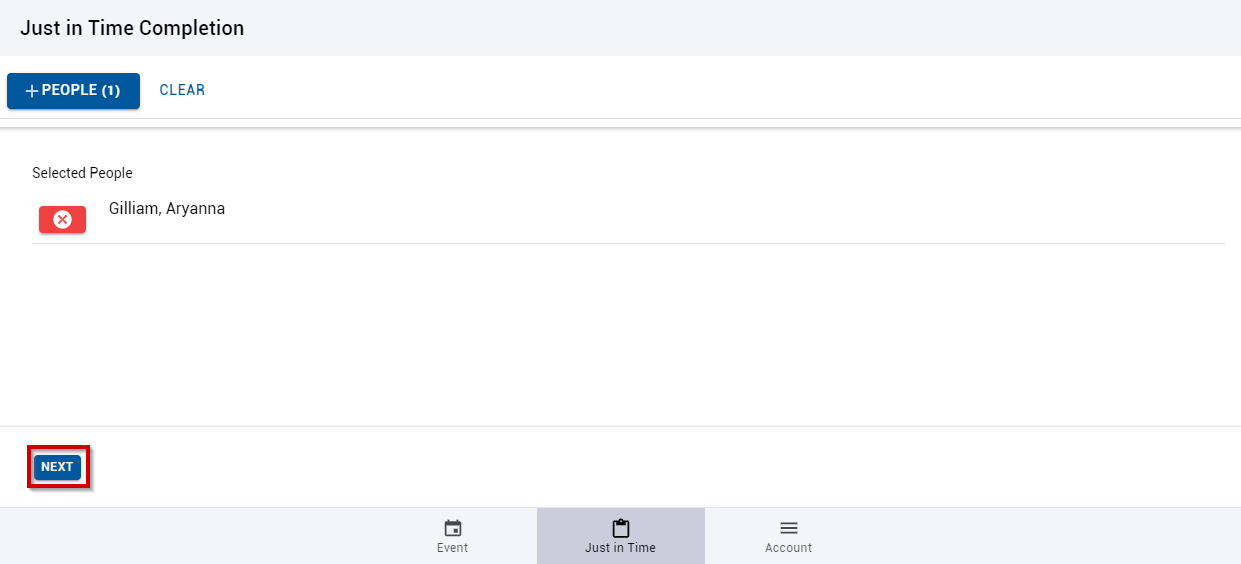
Select the "Next" option. |
|
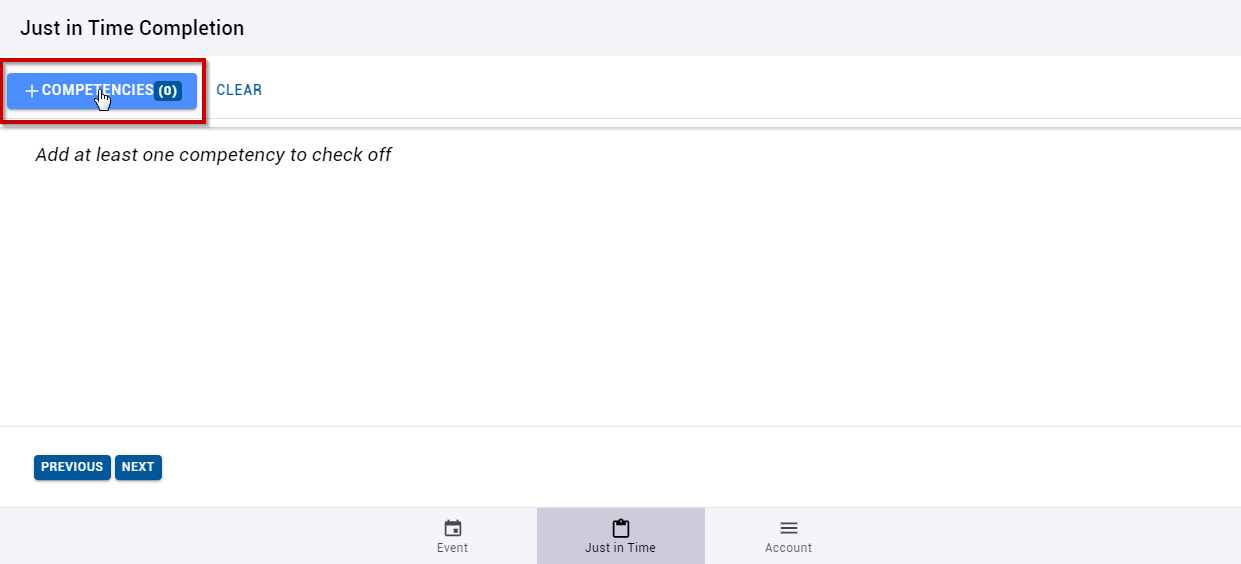
| Select to add the desired competencies. |
|
| Search for the desired competencies. |
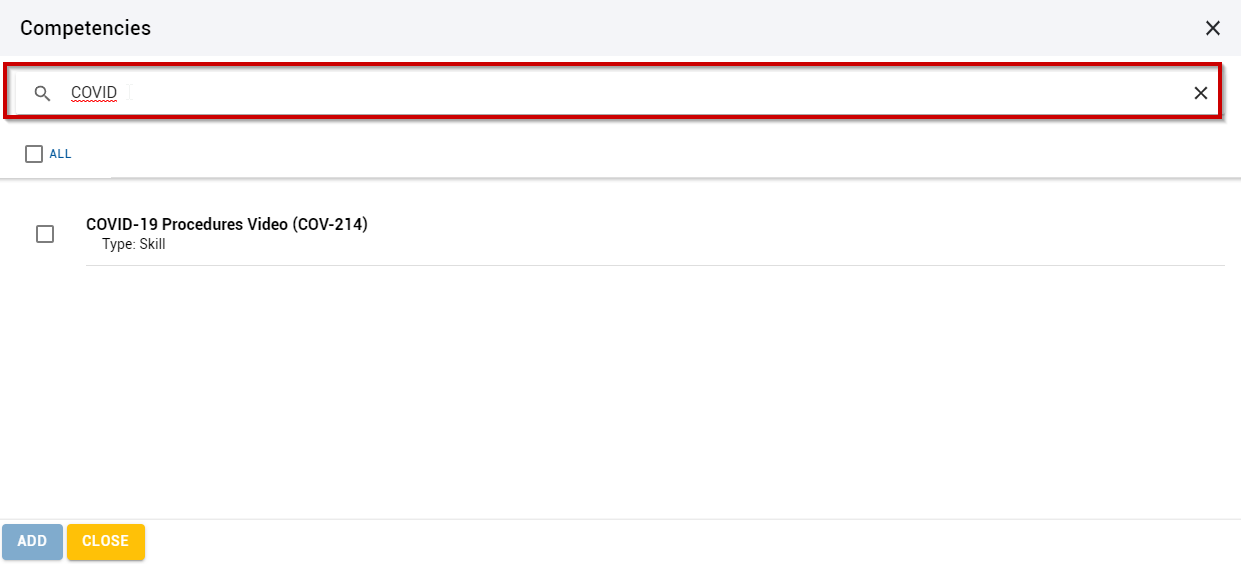
|
| Select the competencies. |
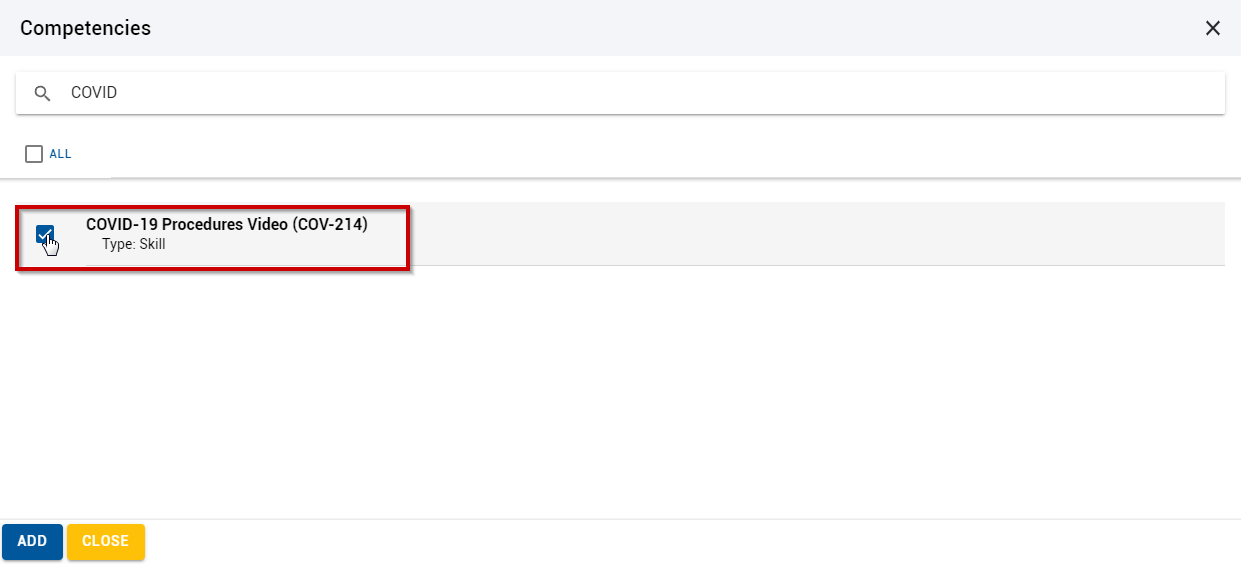
|
| Select the "Add" option. |
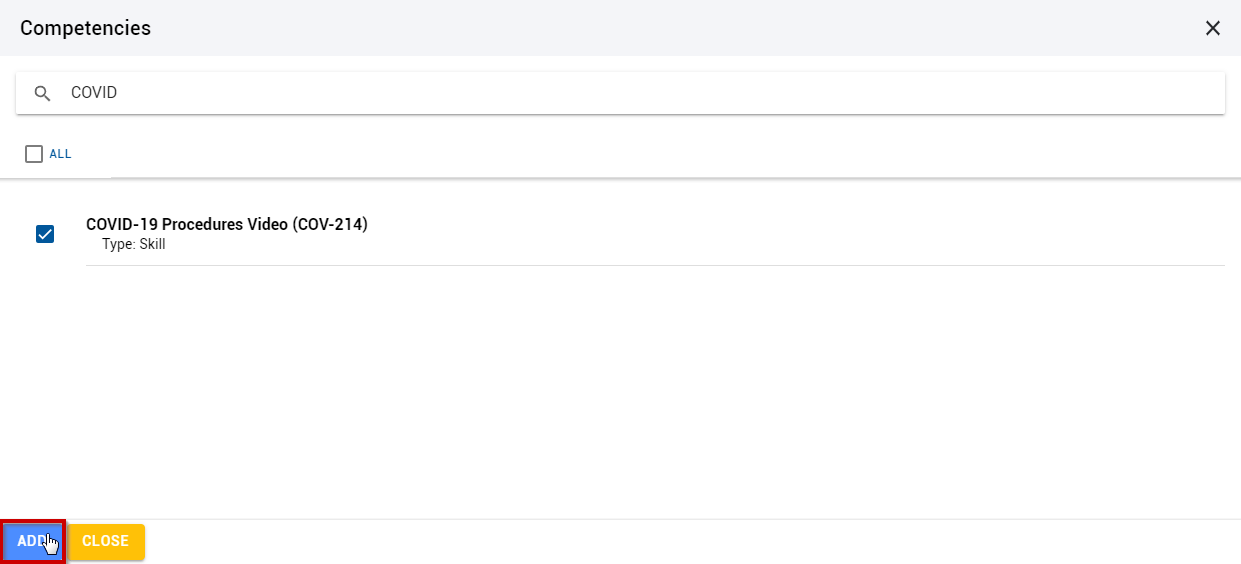
|
| Select the "Next" option. |
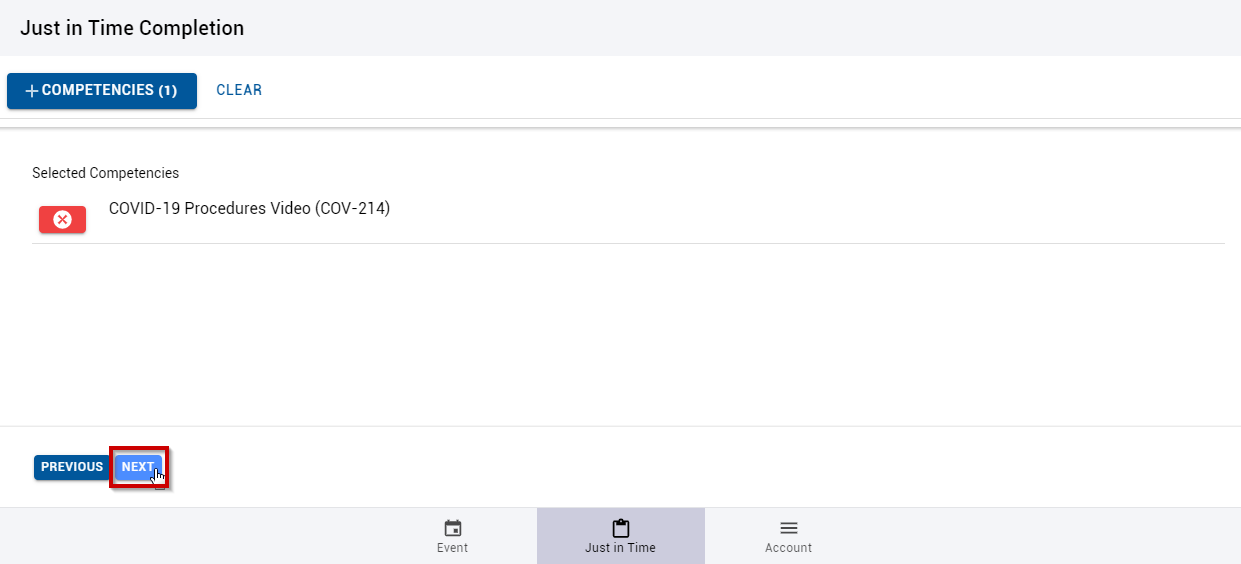
|
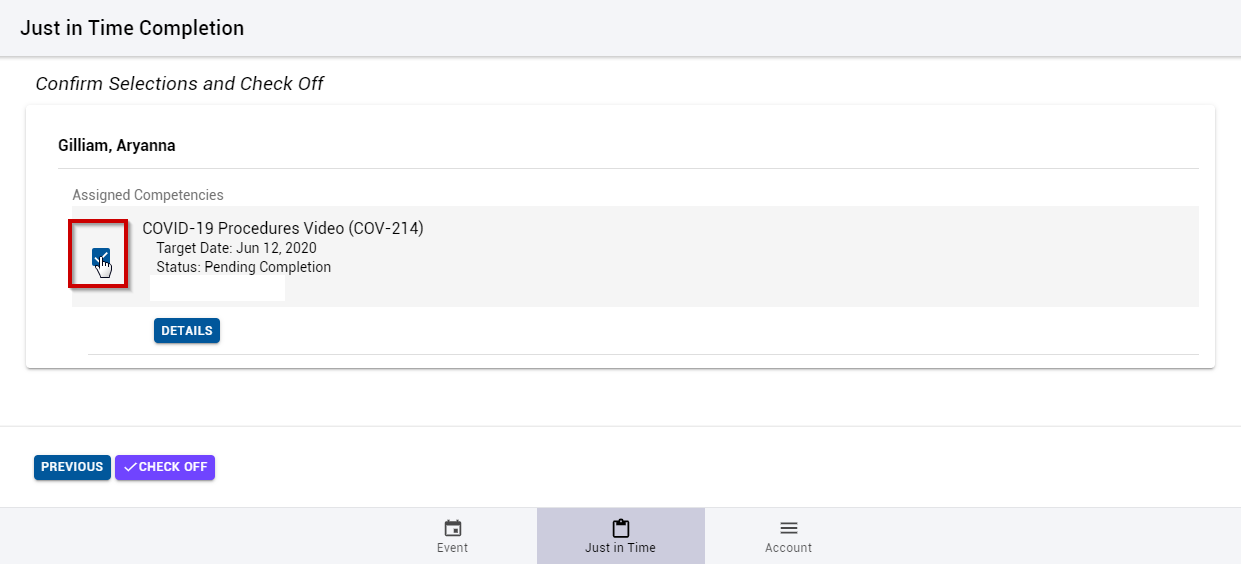
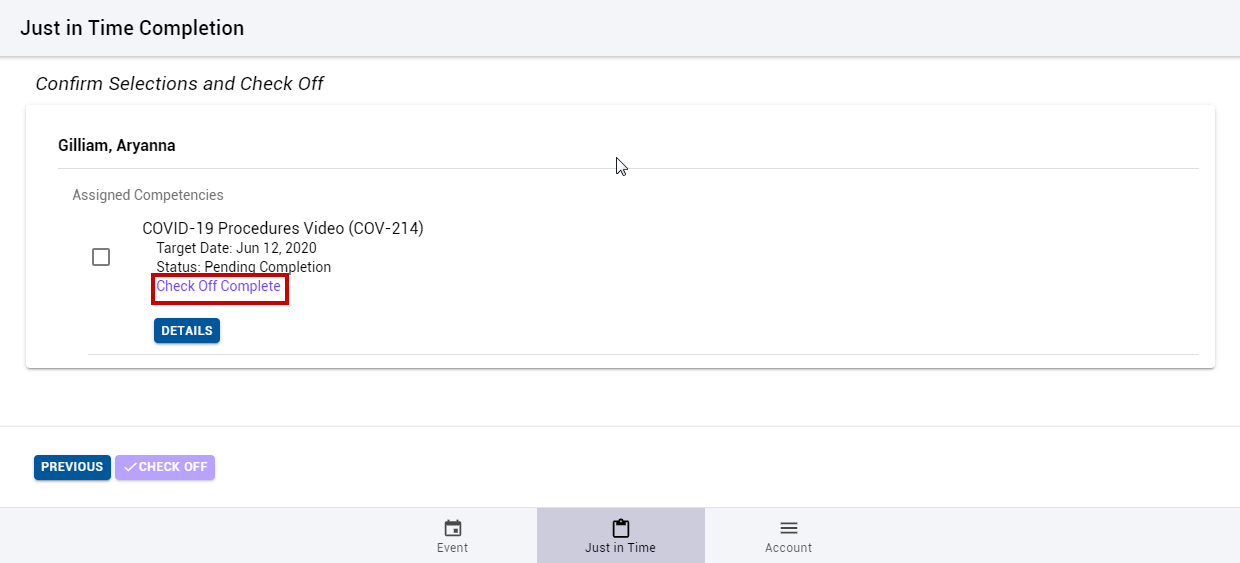
| Select the competencies you wish to check off for the individual(s). |
|
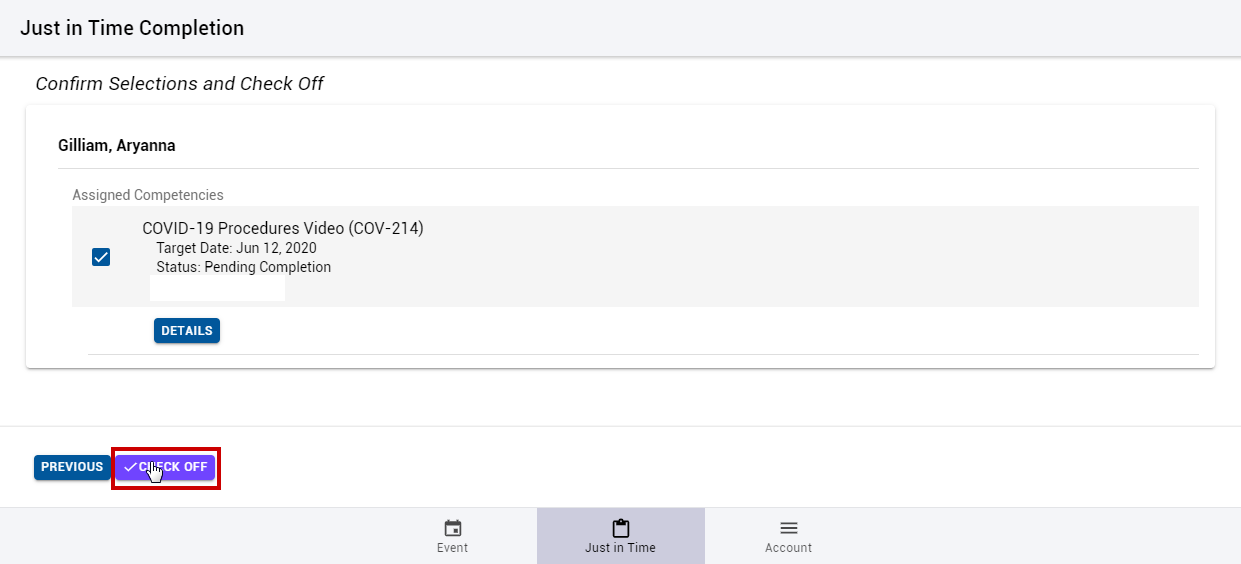
| Select the "Check Off" button. |
|
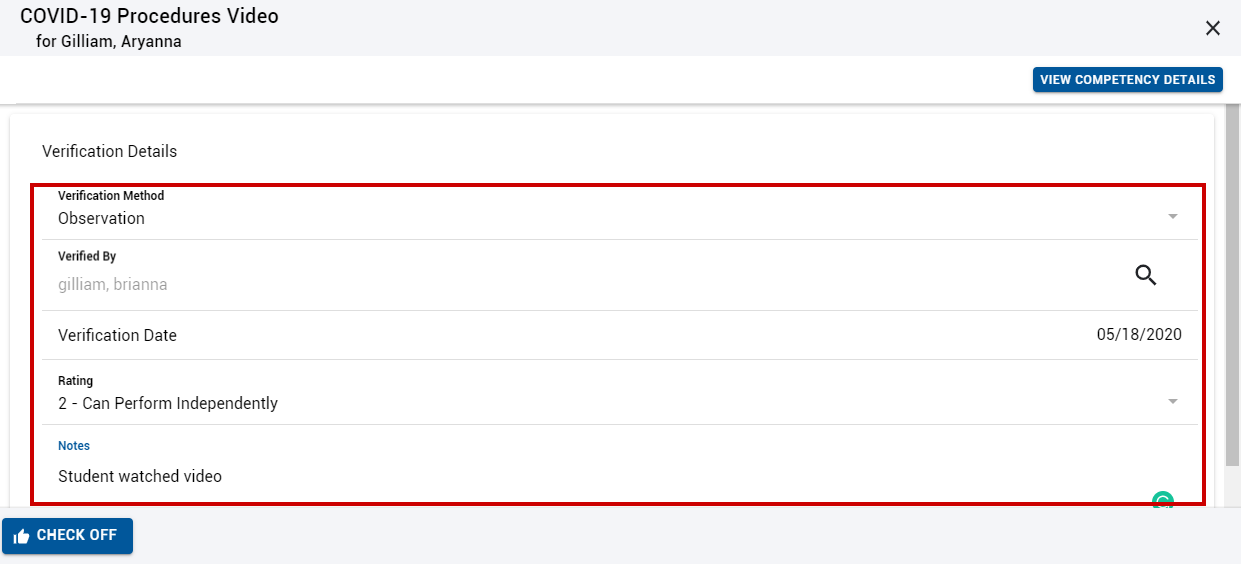
| Enter the desired verification details. |
|
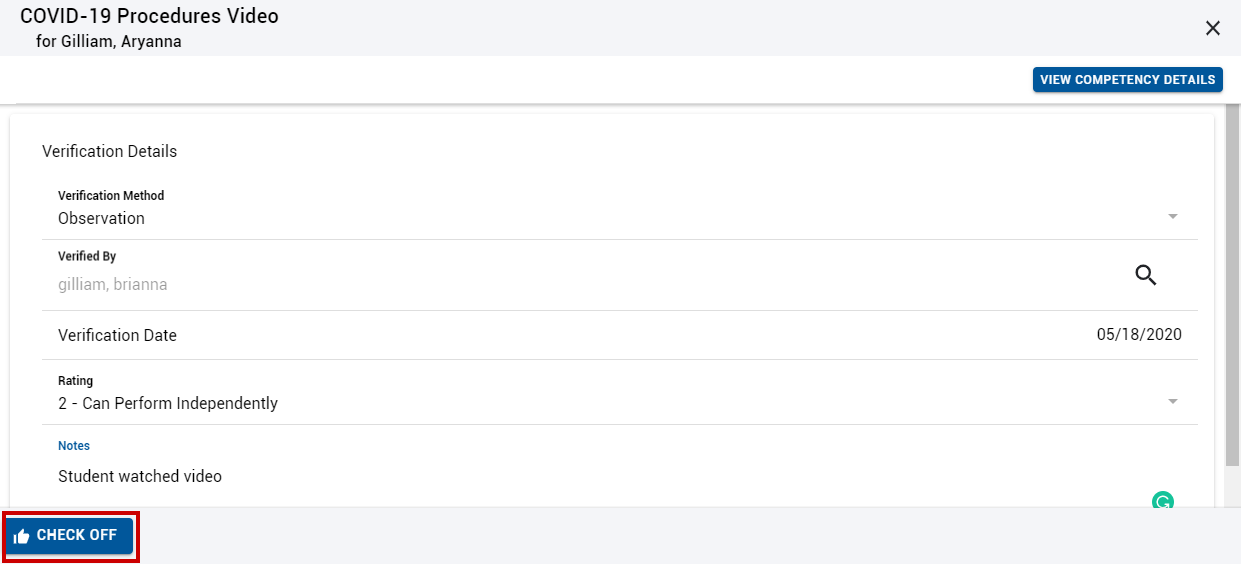
| Select the "Check Off" button. |
|
| A message will appear at the bottom of the screen that the action was saved and the details will show that the Check Off is complete. |
|
Related Guides