Create a Learning Revision
| Privileges | Description |
| Administrative User | A user will need administrative access to TEDS. This is defined on the Login tab of the individual's person details. |
| Create a Learning | The Create a Learning privilege is a global privilege that is assigned in TEDS Online Administrator. This privilege grants an individual access to define Learning details in the Learning Catalog. |
|
Instructions |
|
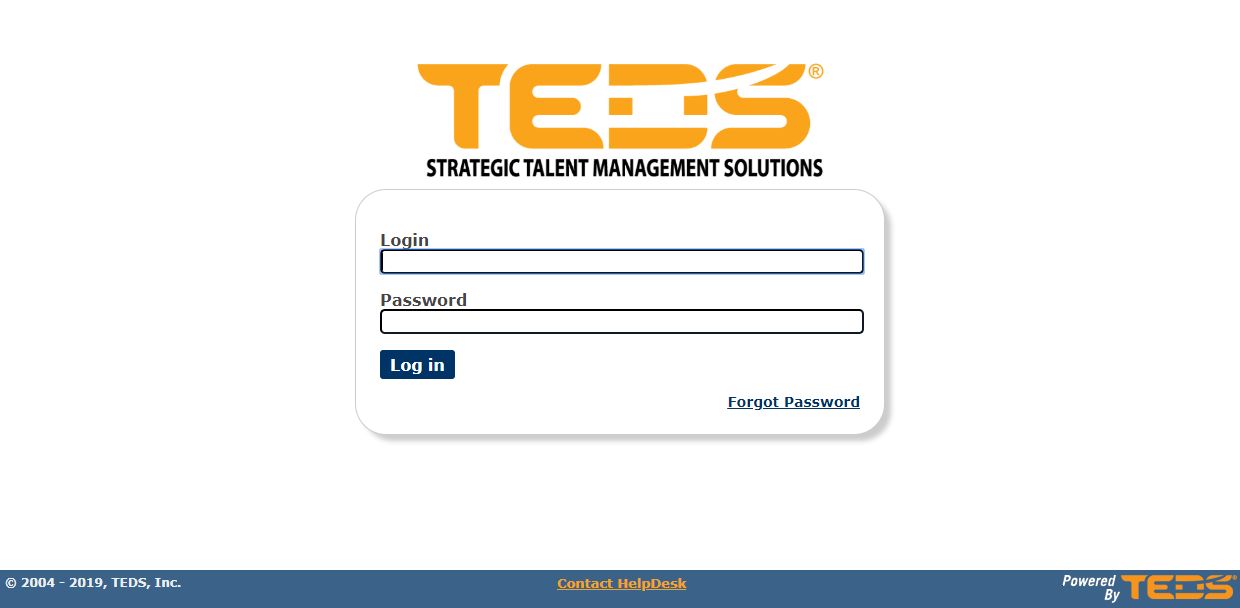
| Log in to TEDS Online Administrator. |
|
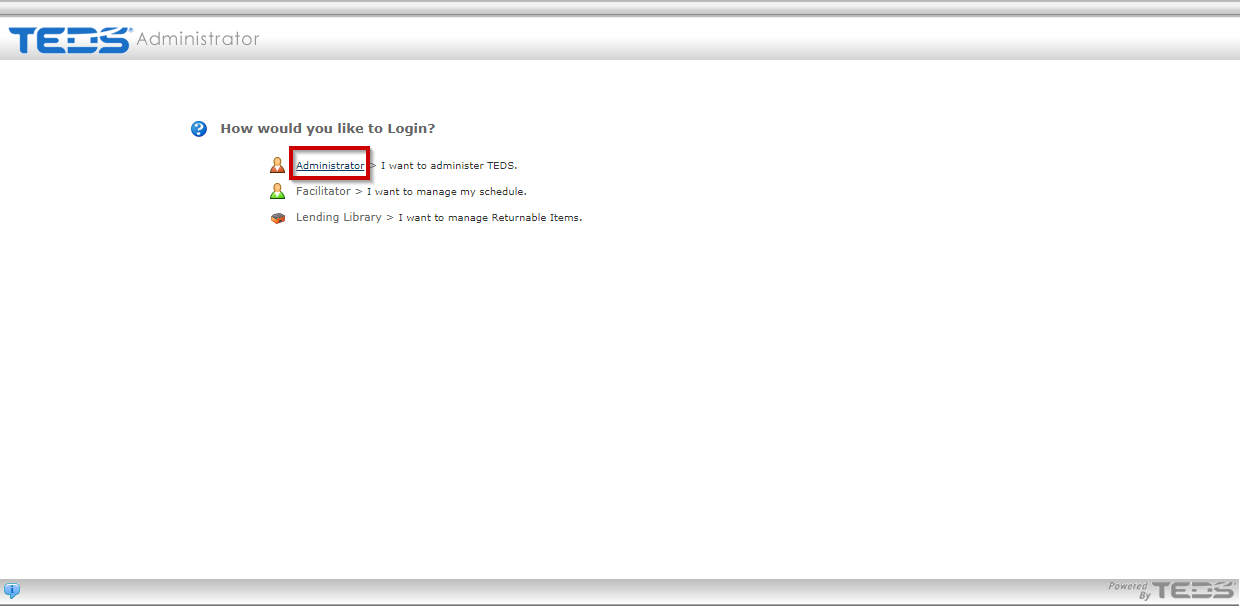
| Access the Administrator option. |
|
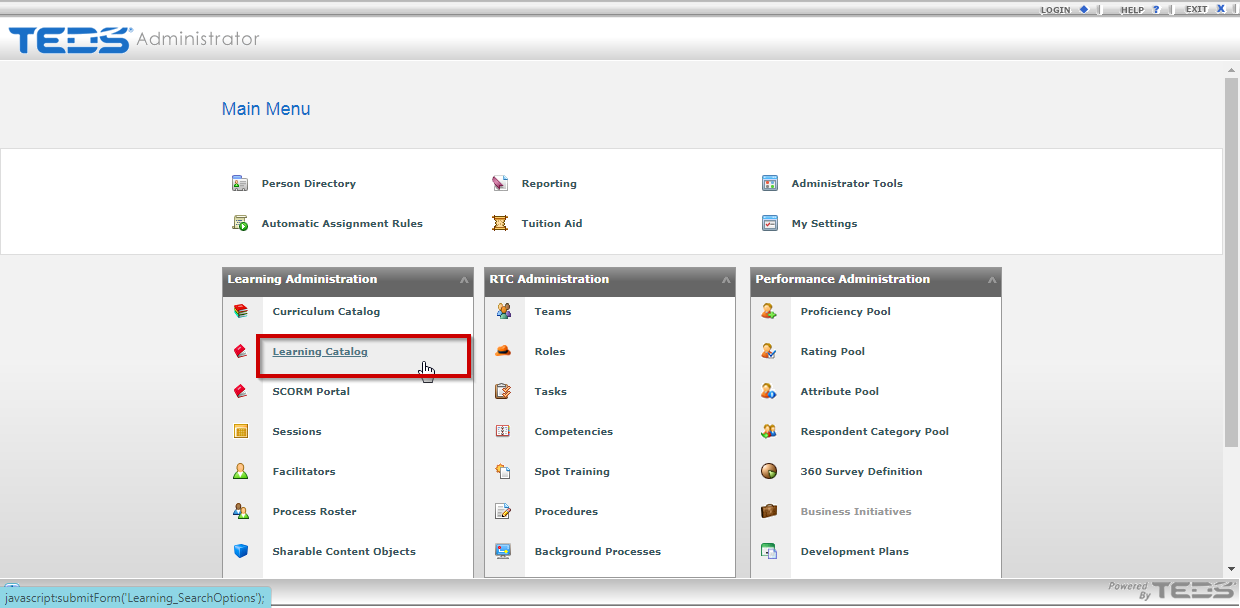
| Select the Learning Catalog option. |
|
|
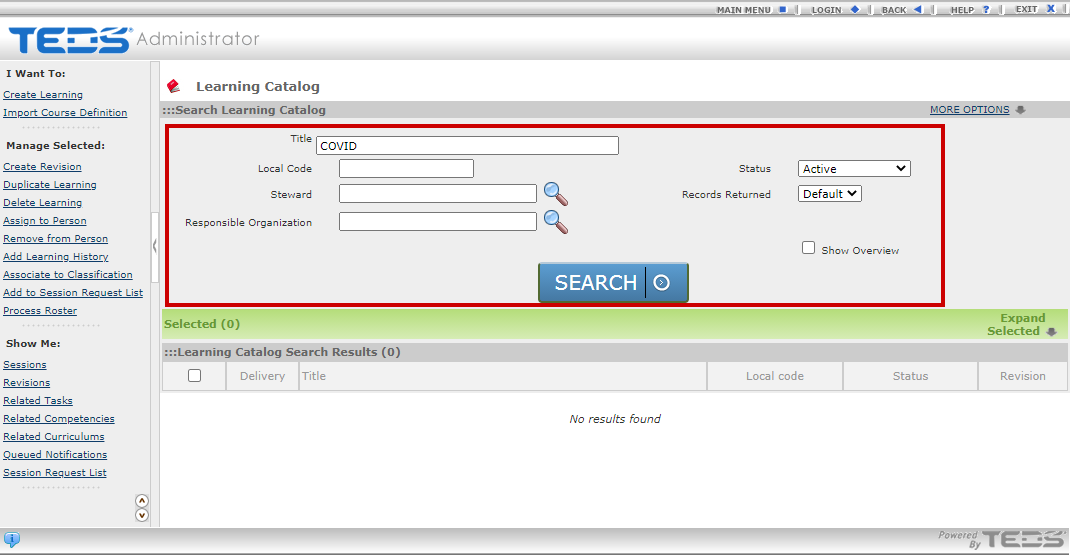
Search for the learning that you wish to create a revision for. |
|
|
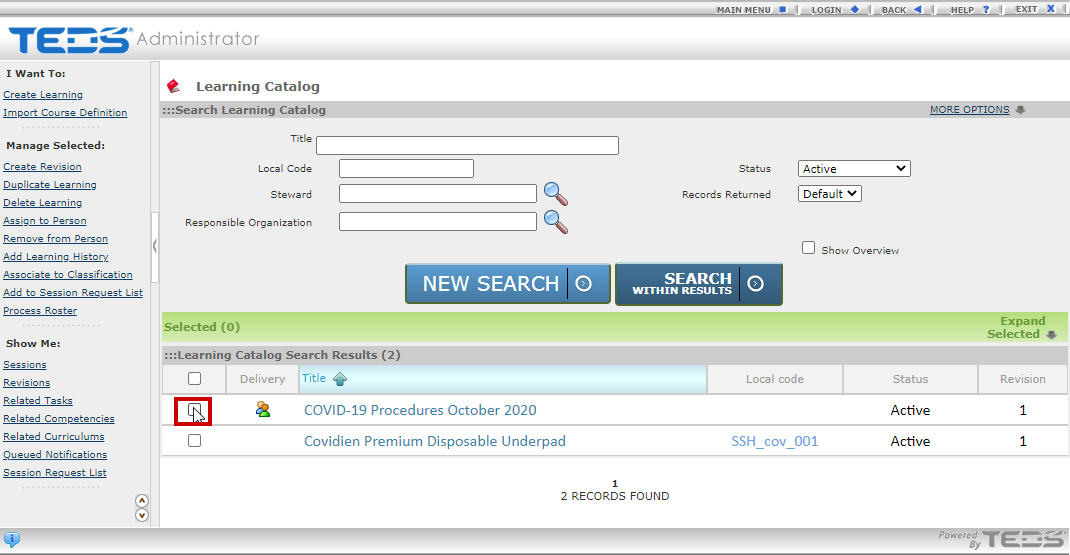
Select the checkbox next to the learning you are creating a revision for. |
|
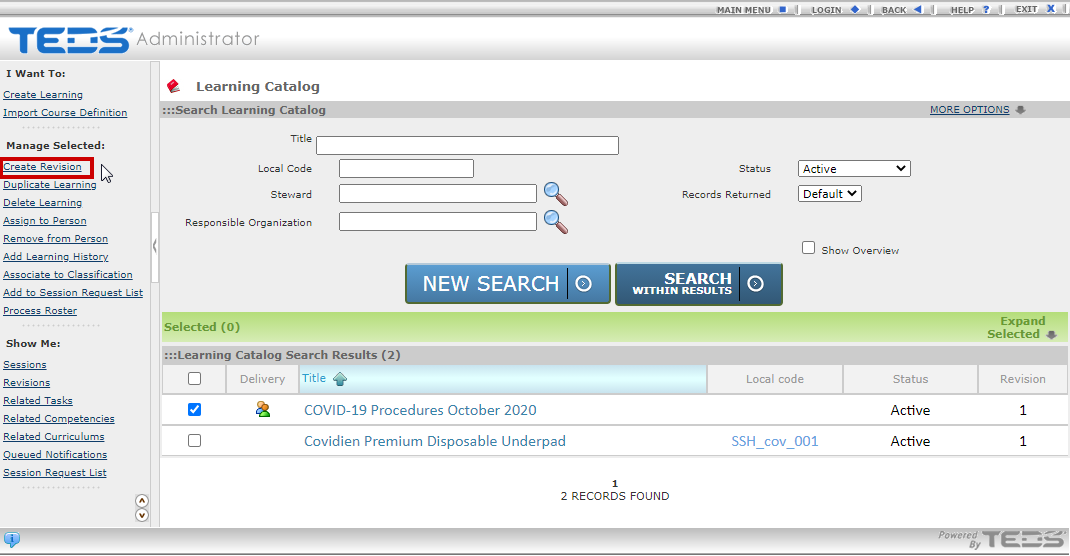
| Select the Create Revision option under the Manage Selected section. |
|
|
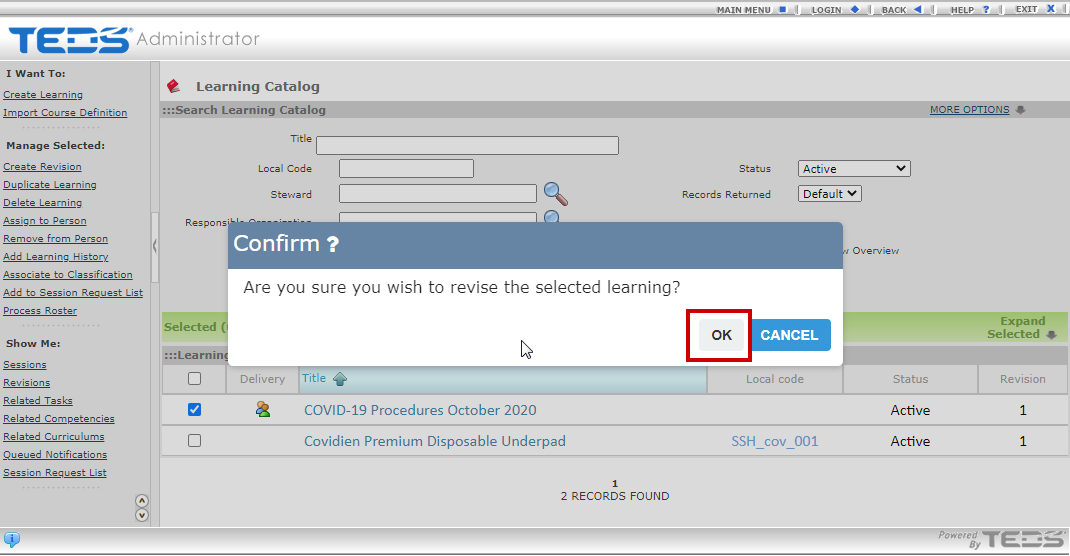
Select the OK option on the confirmation popup. |
|
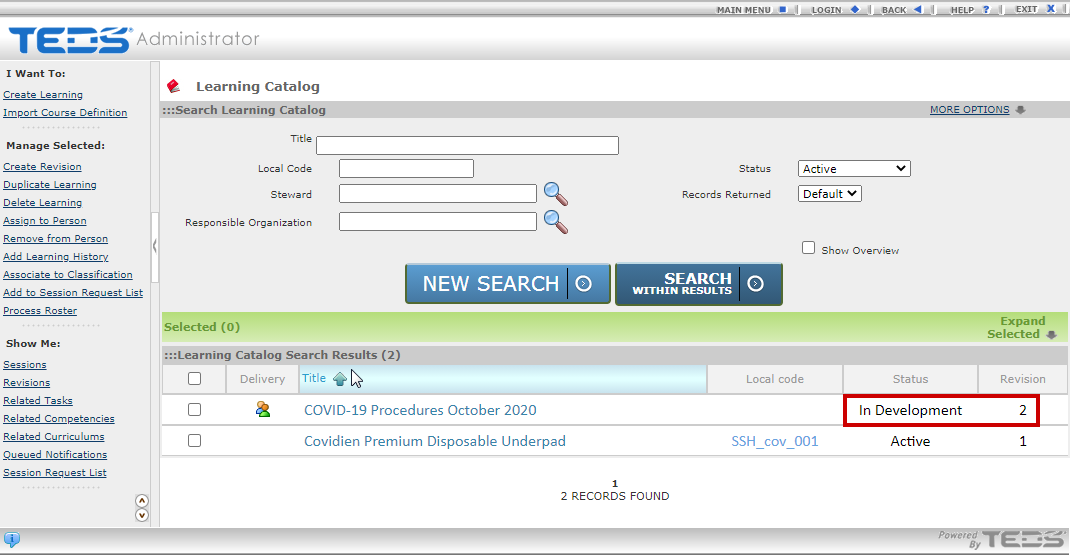
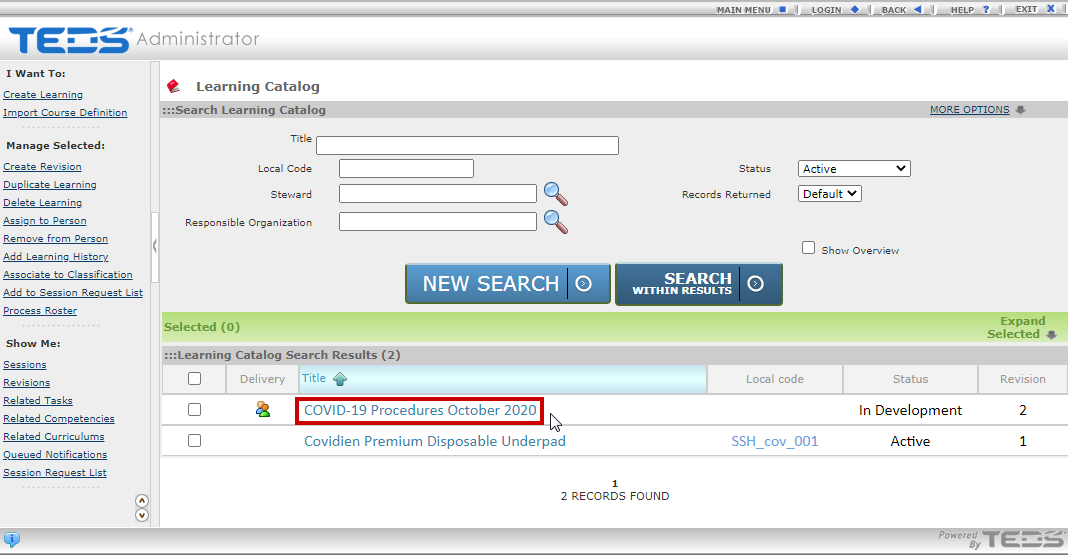
| The Learning revision is created with an In Development status. |
|
| Select the hyperlinked learning title. |
|
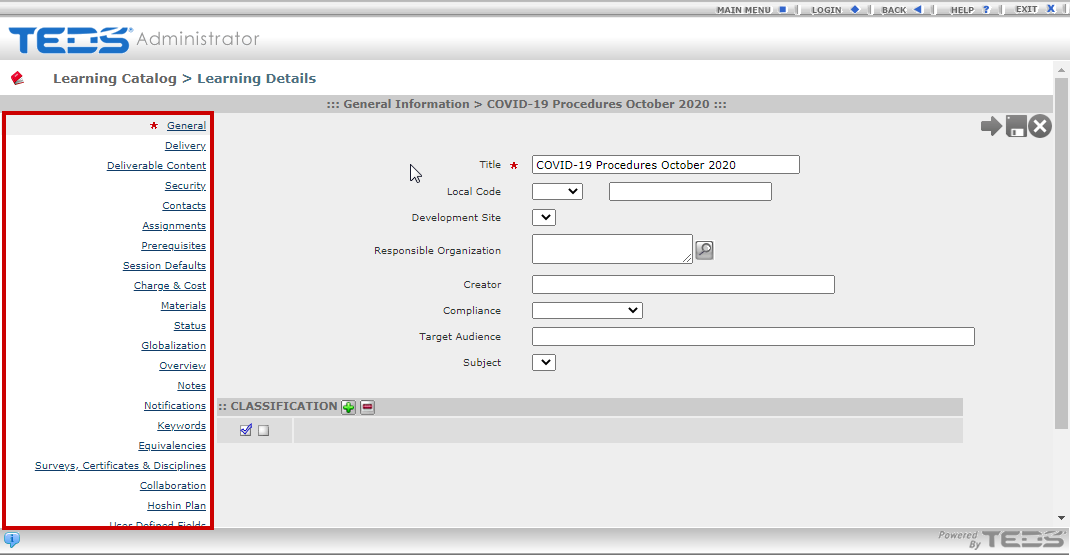
| The learning details are displayed. Update any desired details. |
|
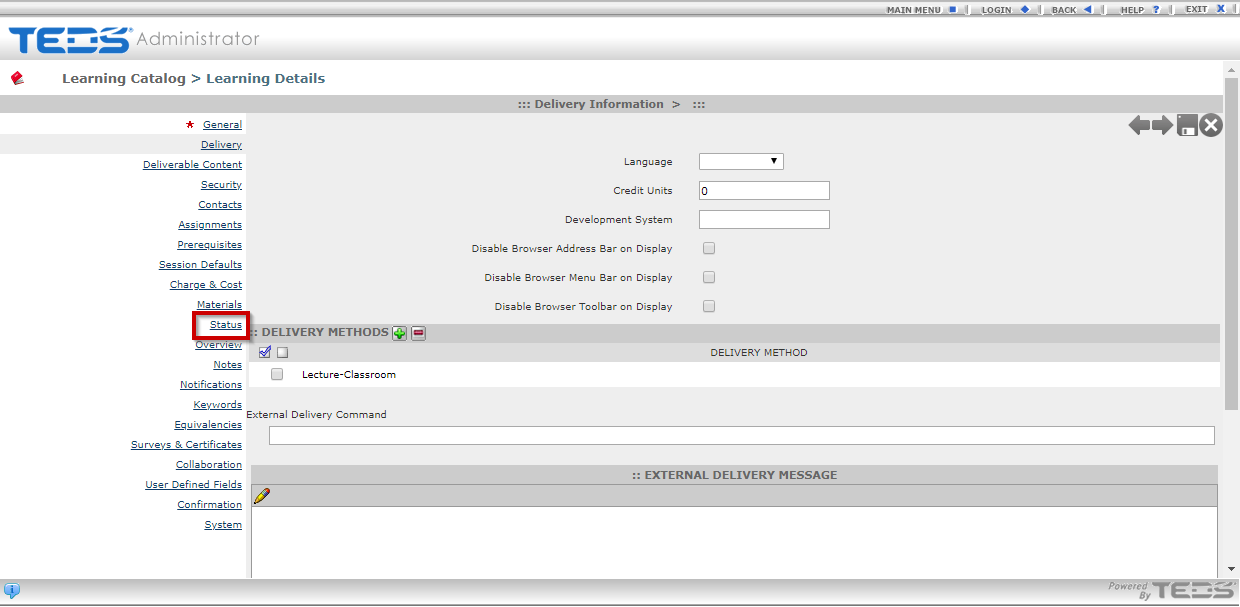
| When all details are complete, access the Status tab. |
|
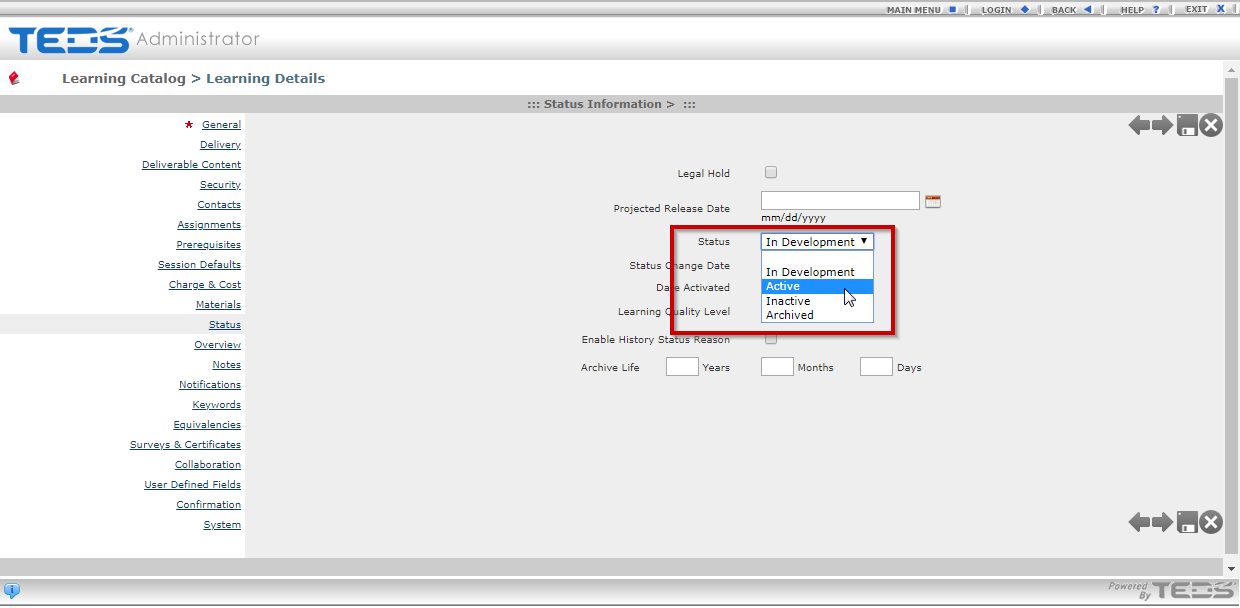
| Set the Status field to Active. |
|
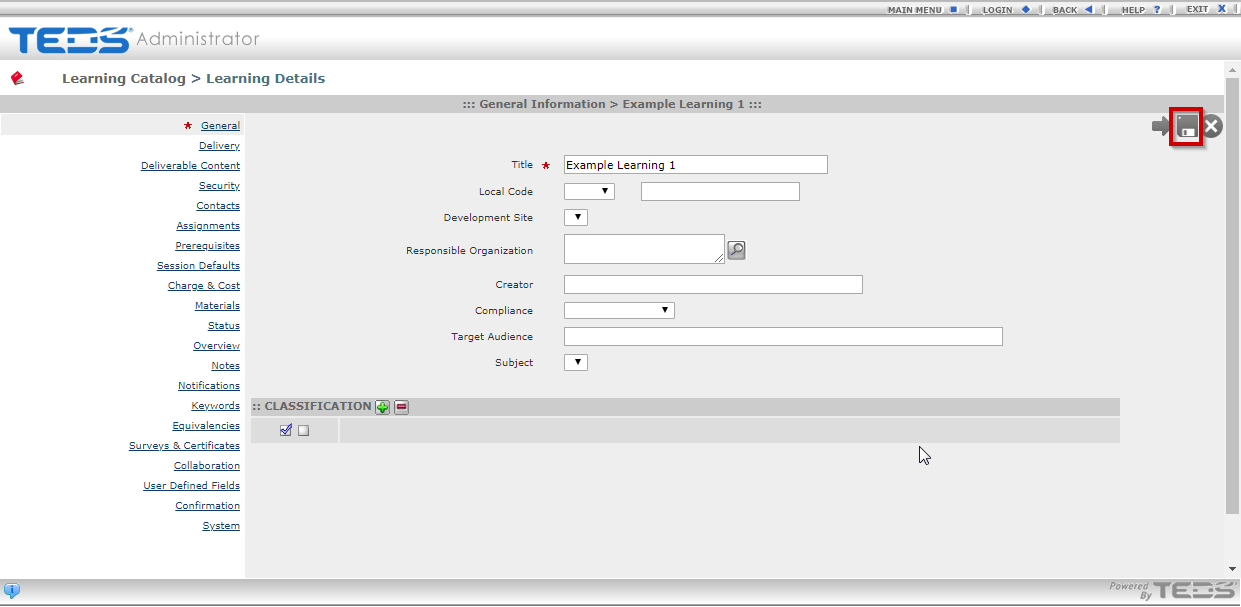
| Save the Learning. |
|
Related Guides