Create a Certificate
| Privileges | Description |
| Administrative User | A user will need administrative access to TEDS. This is defined on the Login tab of the individual's person details. |
| Manage Certificates | The Manage Certificates privilege is a global privilege that is assigned in TEDS Online Administrator. This privilege grants an individual access to define Certificate details in Certificate Catalog. |
|
Instructions |
|
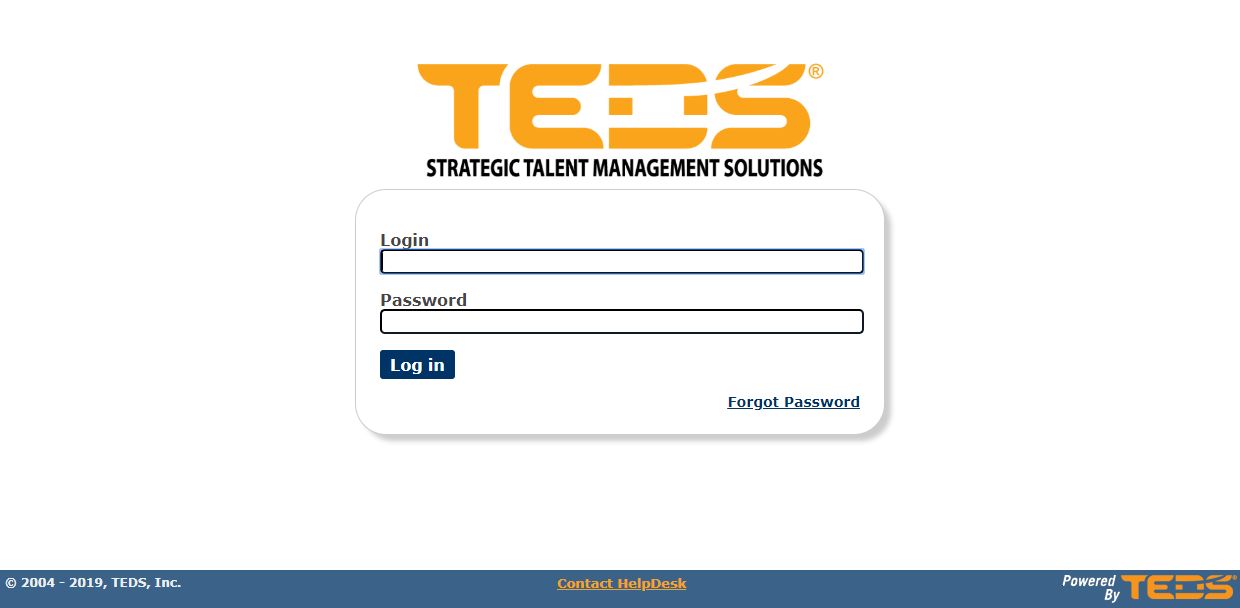
| Log in to TEDS Online Administrator. |
|
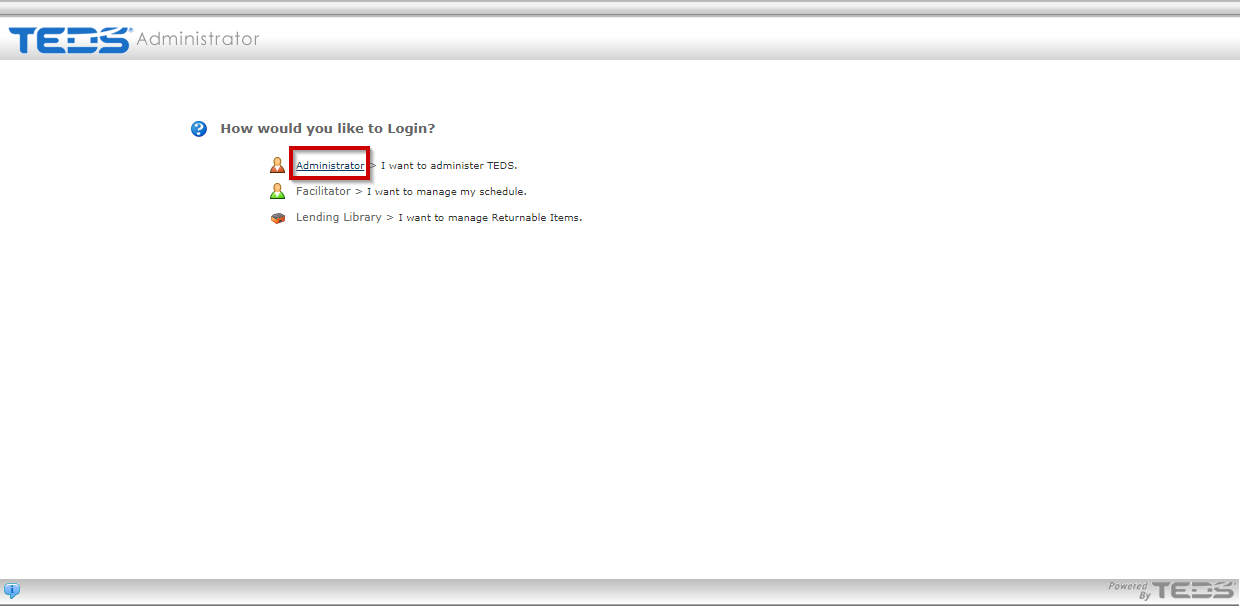
| Access the Administrator option. |
|
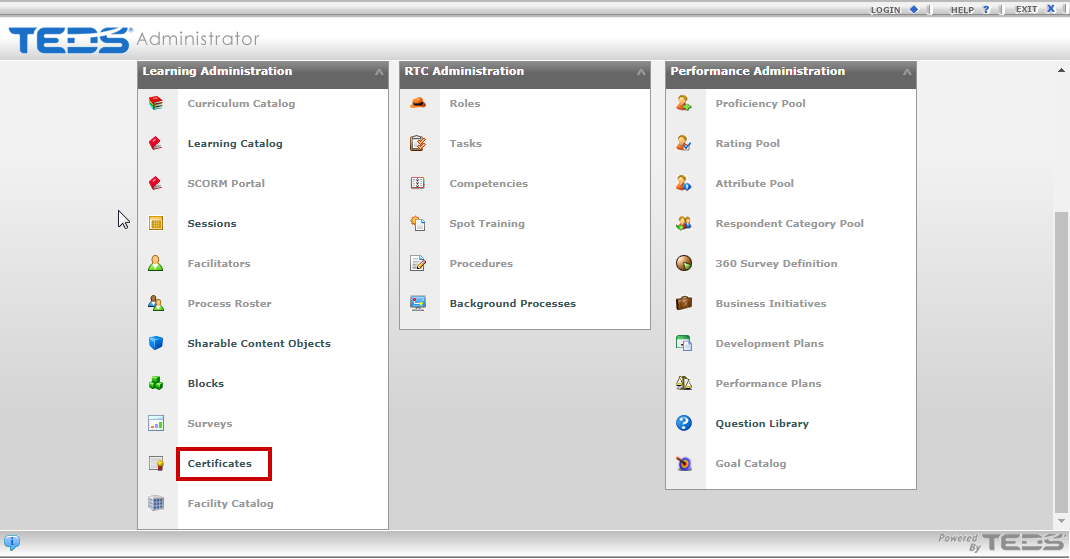
| Select the Certificate Catalog option. |
|
|
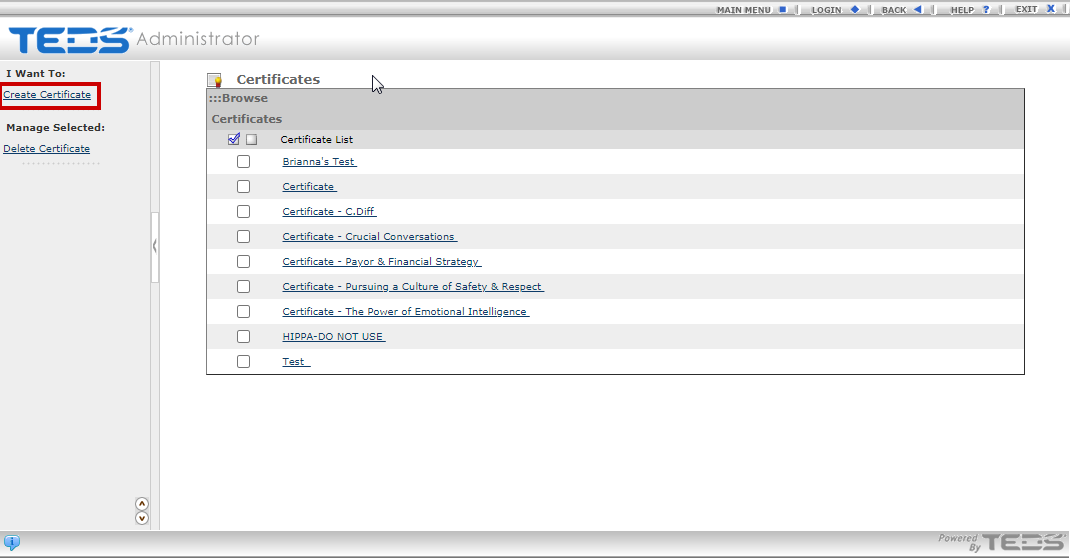
Select the Create Certificate option. |
|
|
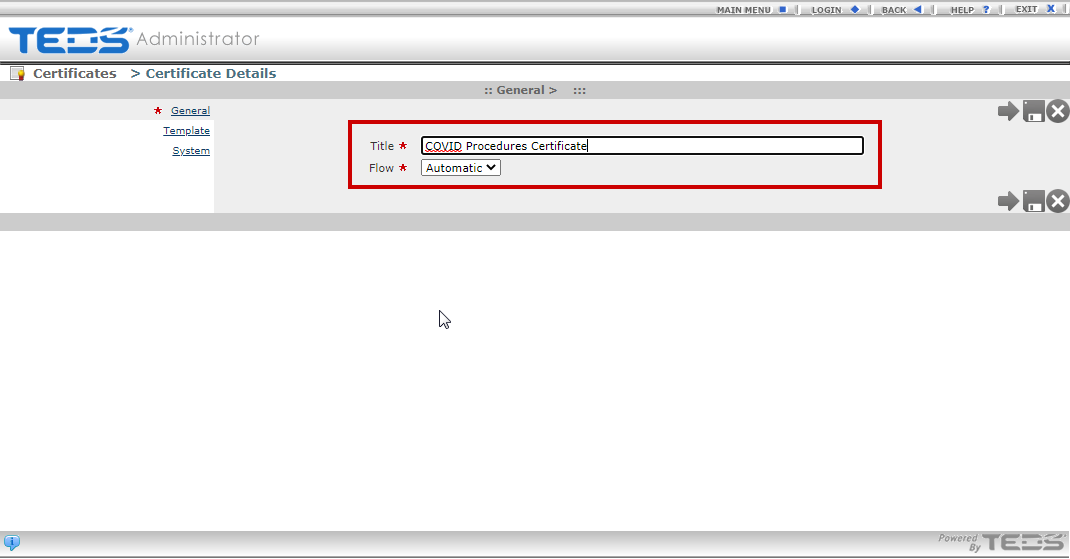
Enter a title and select the appropriate flow. These are system required fields and must be completed. |
|
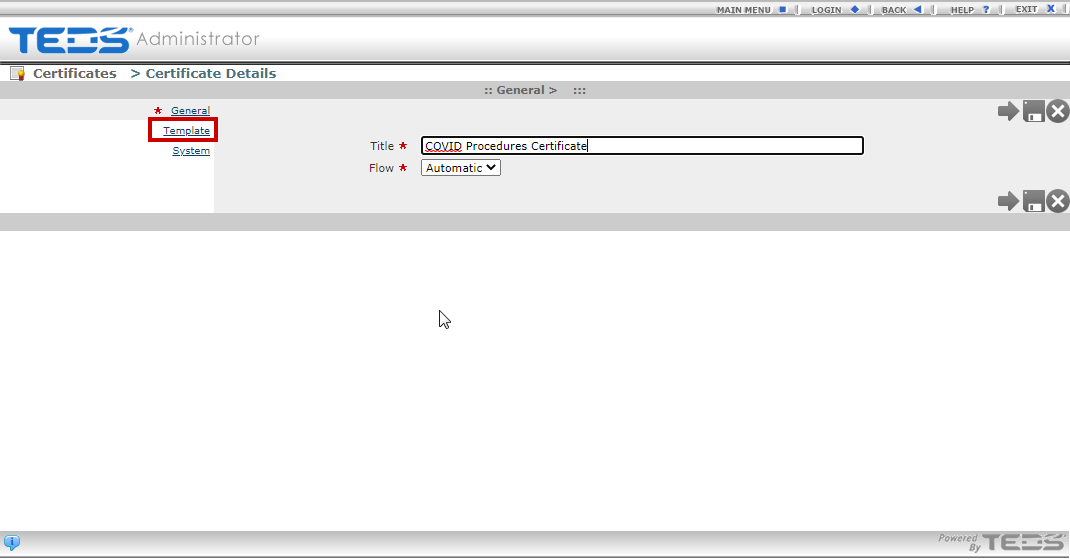
| Navigate to the Template Tab. |
|
|
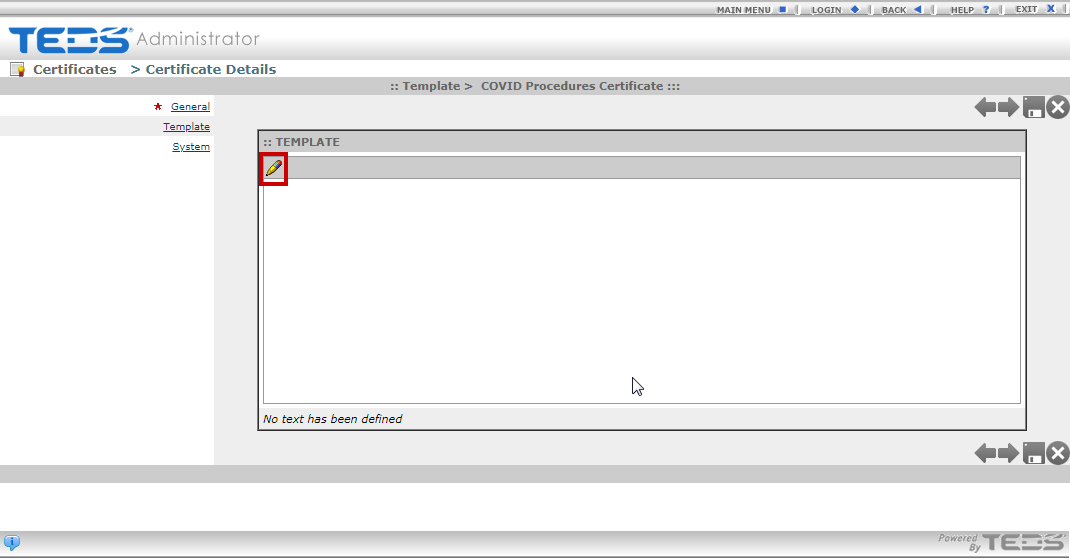
Select the pencil icon. |
|
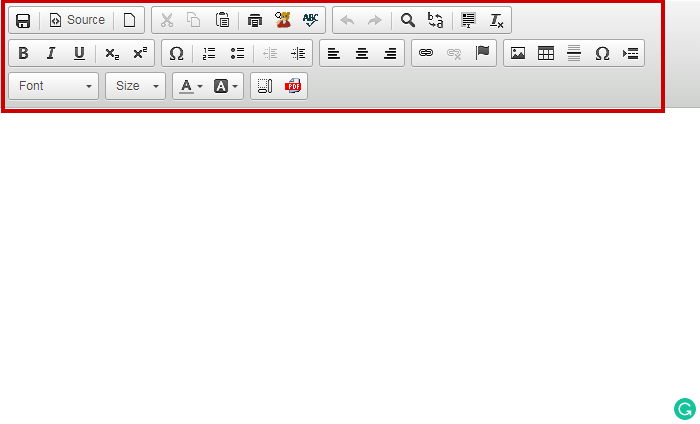
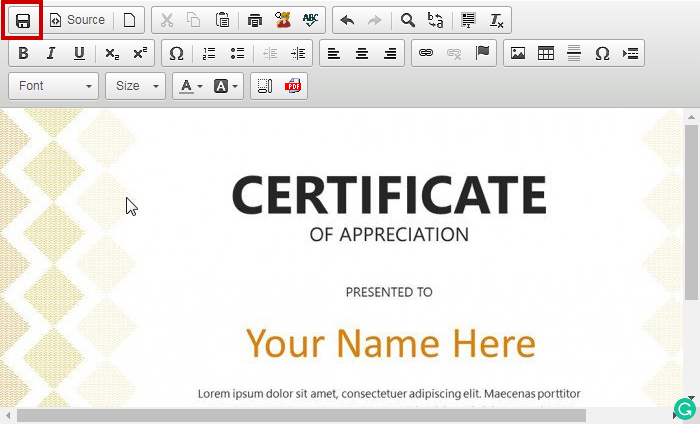
| Use the tools available to format the Certificate Template. |
|
| After formatting the Certificate, select to the save button. |
|
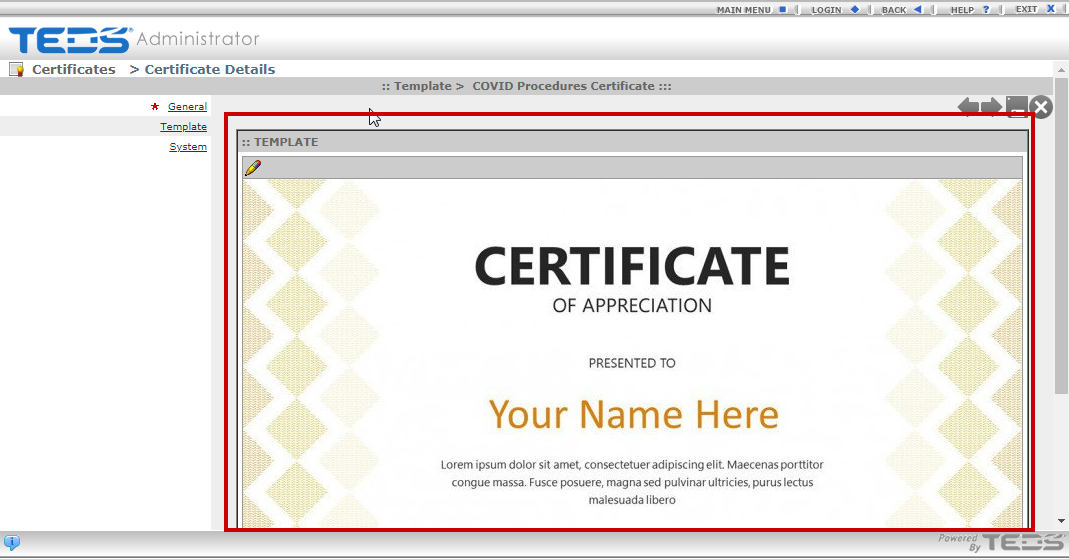
| Verify that your content displays on the Template Tab. |
|
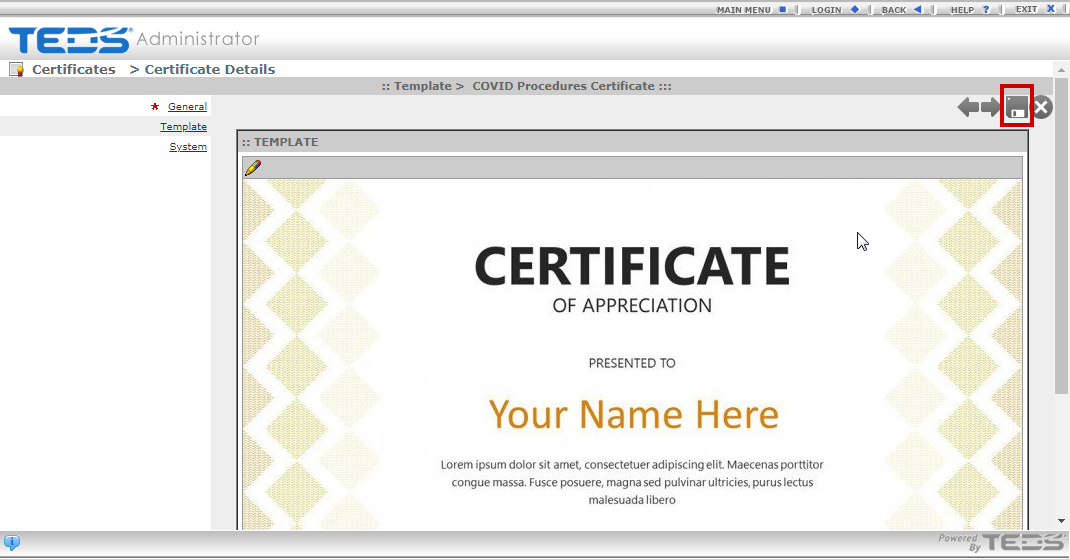
| Save the Certificate. |
|
Related Guides